Make a video
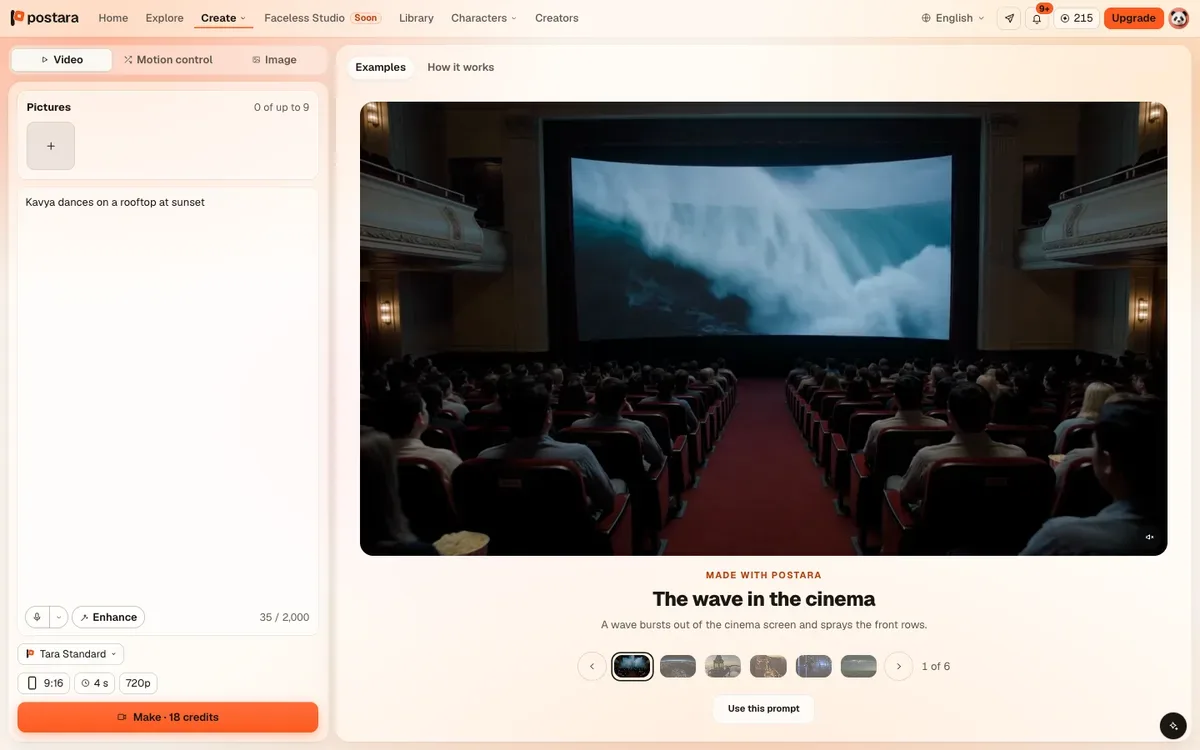
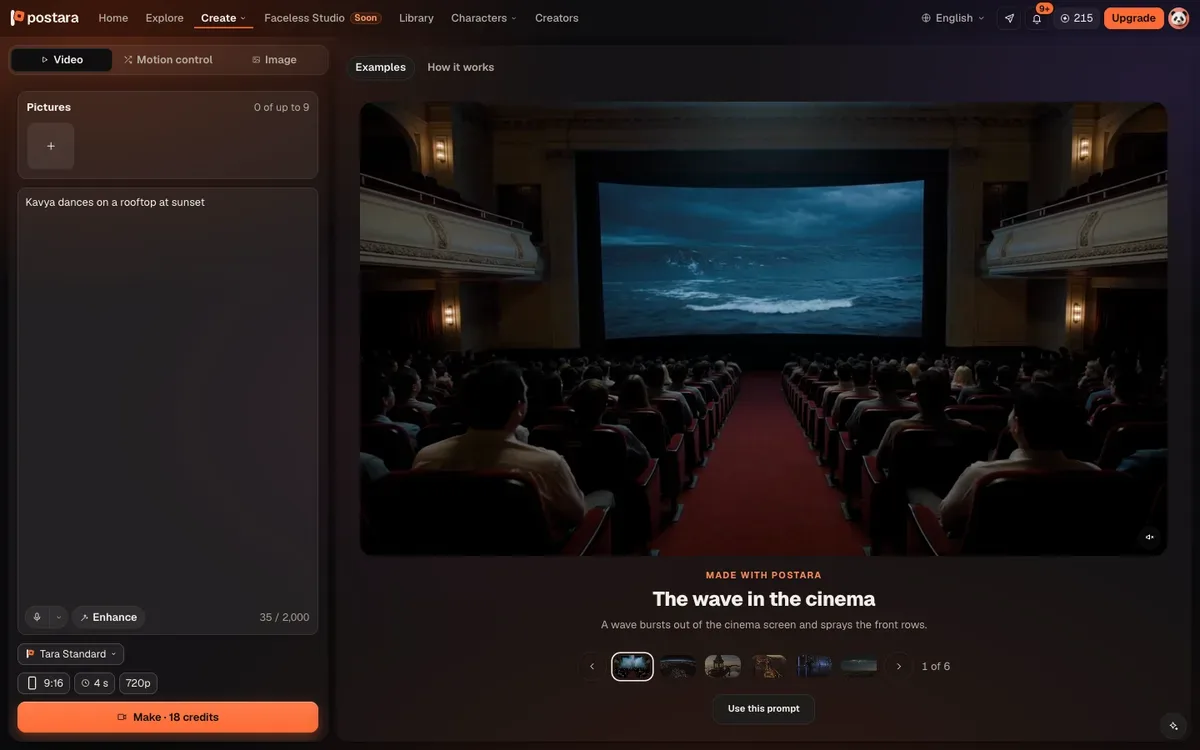
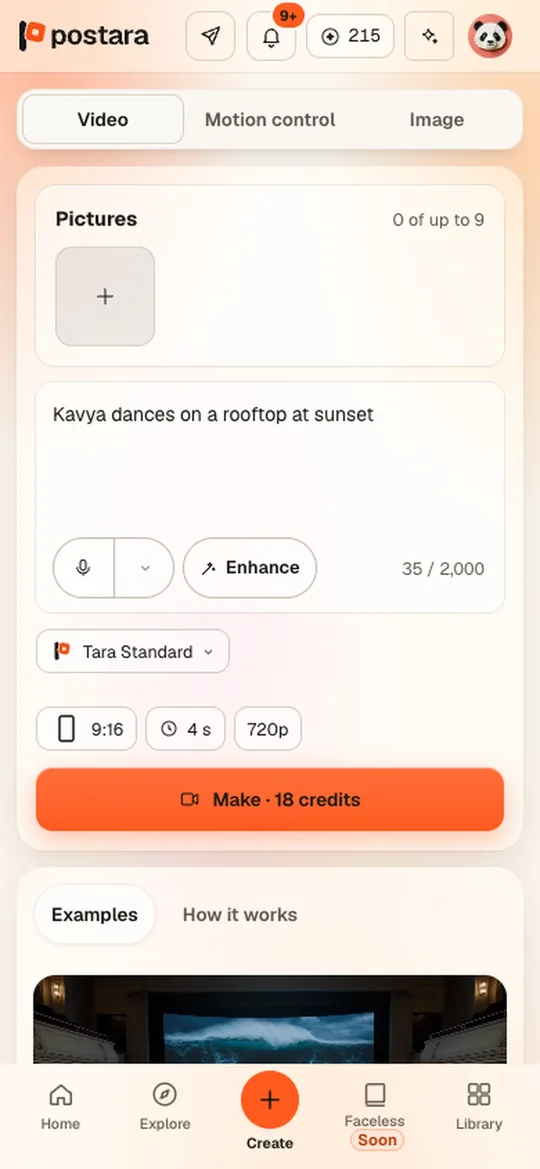
Say what happens, in your own words, and pick the shape, length and quality.
#1. Open the Video tab
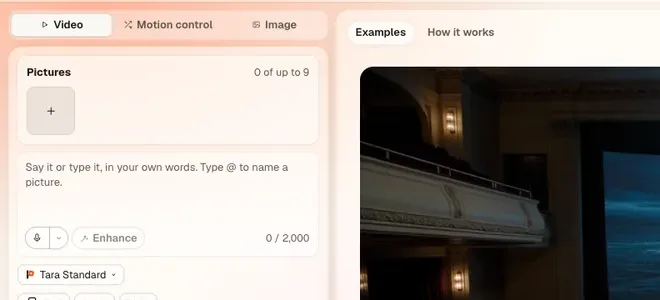
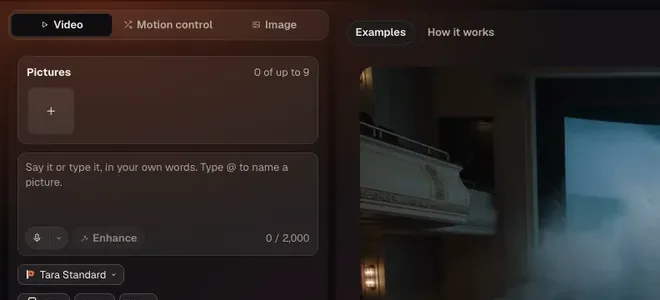
In Create, pick Video.
#2. Add a picture to start from (optional)
If you have a picture you want the video to begin from, add it here. You can skip this step. After the first one you can add more pictures, up to 9 on Tara Standard.
#3. Say what happens
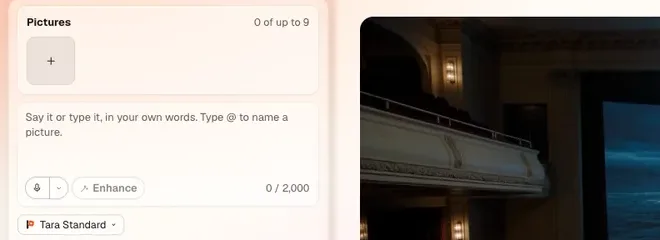
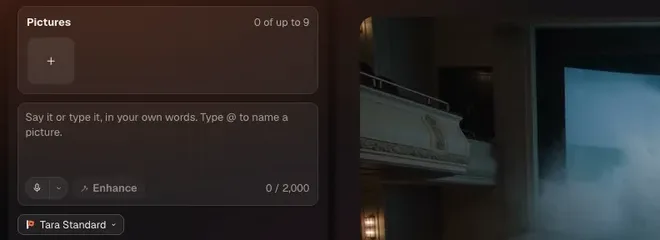
Say it or type it, in your own words. You can speak it too.
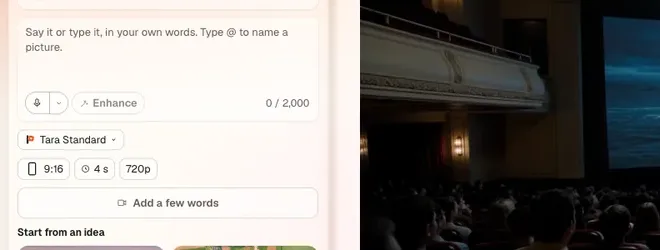
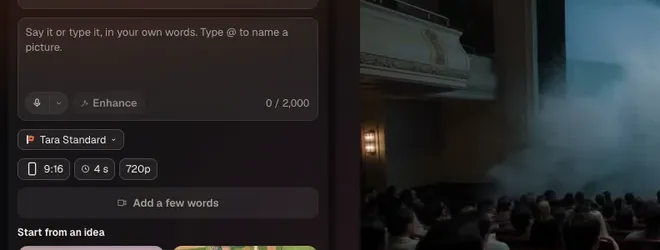
#4. Pick the shape
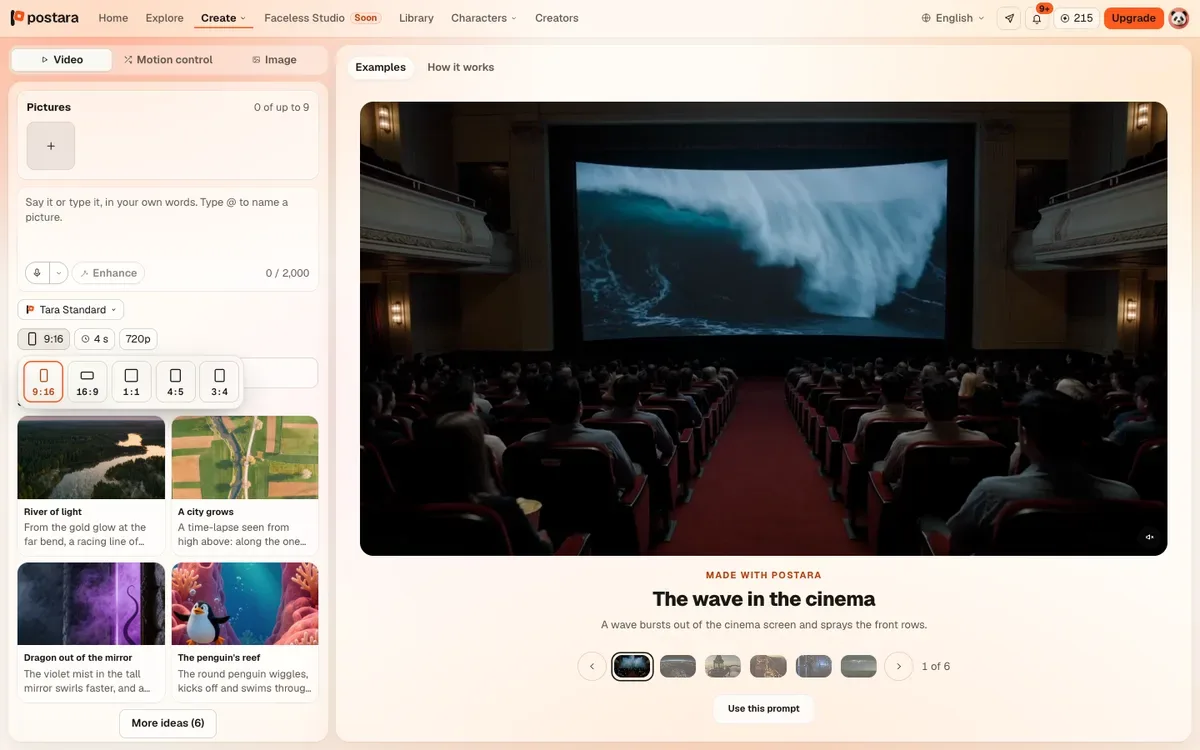
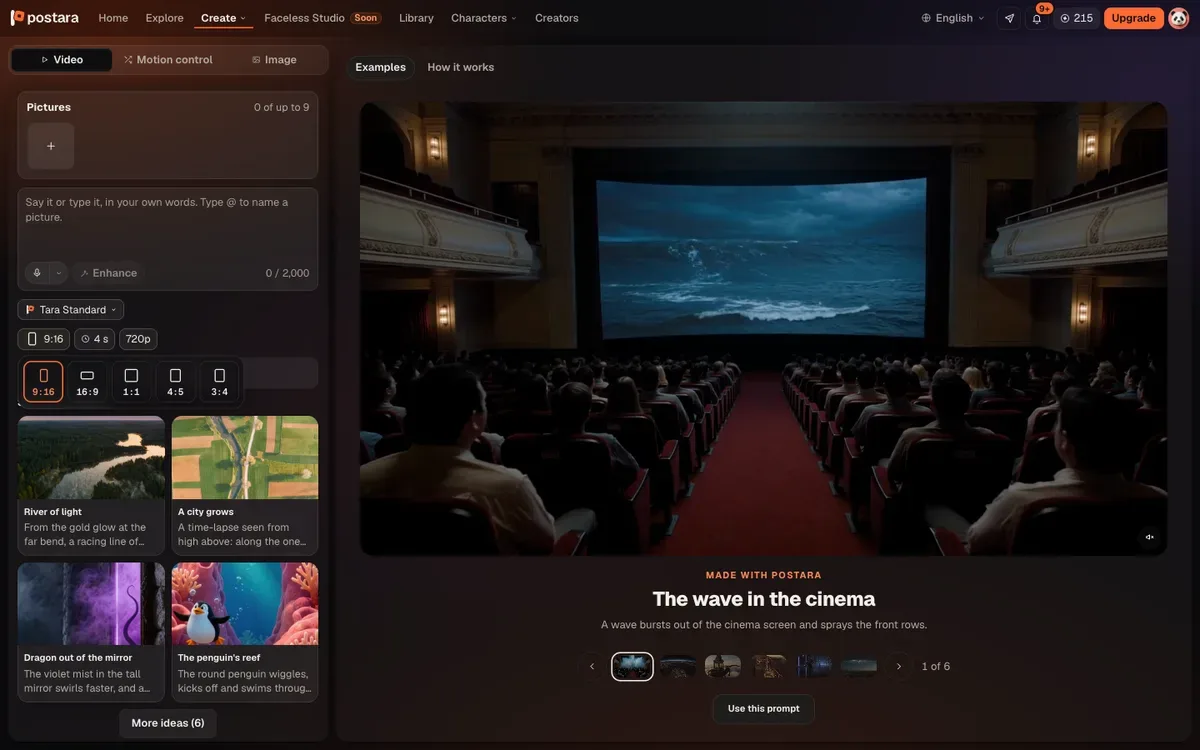
#5. Pick the length
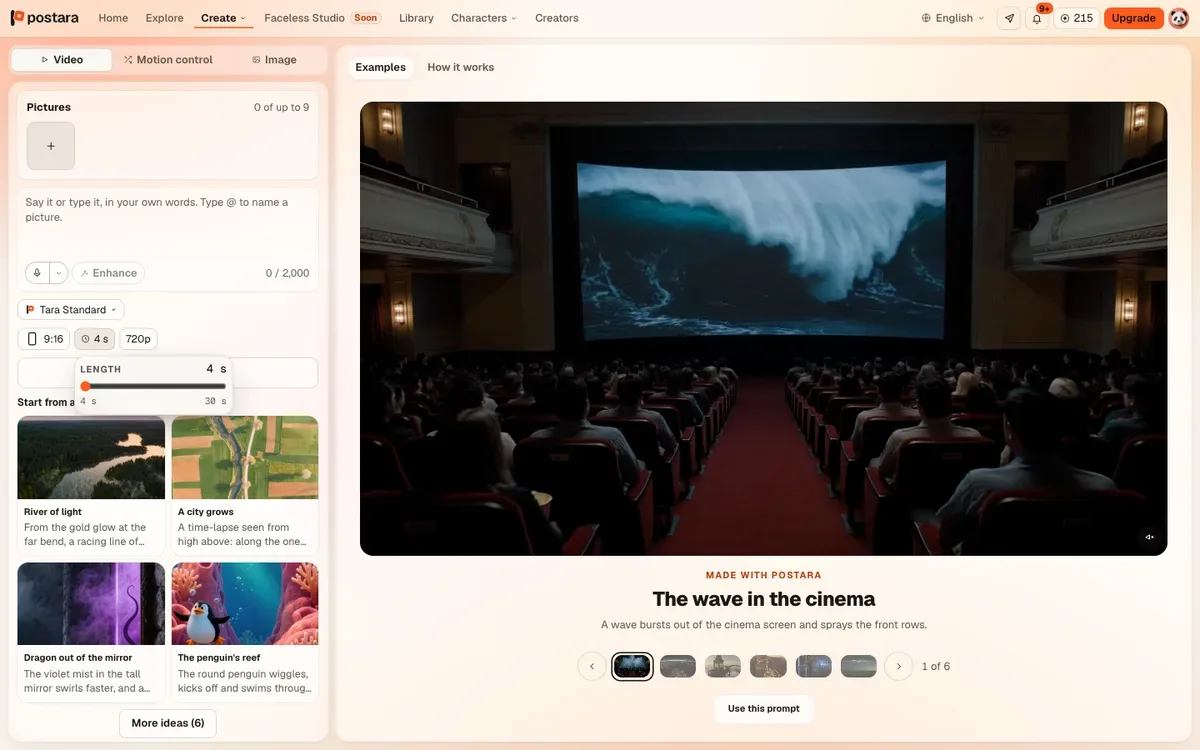
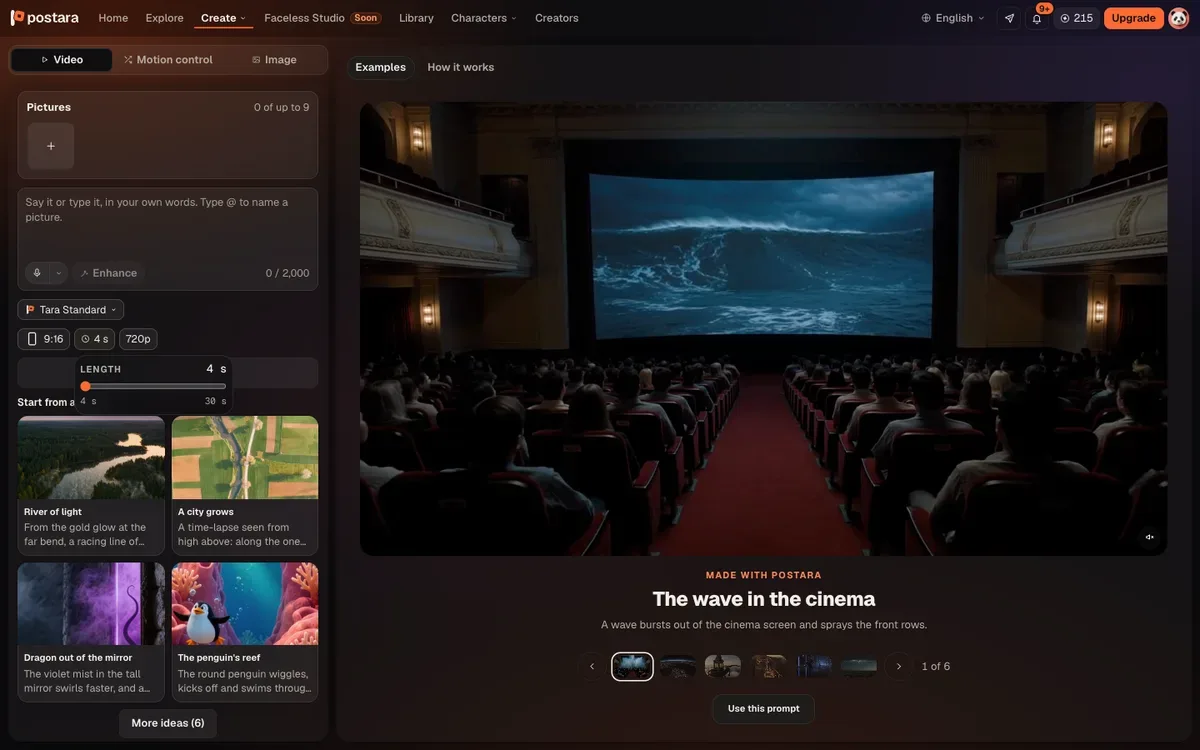
#6. Pick the quality
Pick the model. For a realistic video: Tara Naacho (the cheaper one) or Tara Standard. Then pick a quality it offers: each one lists its own sizes and prices. The price changes with both, and a higher quality costs more.
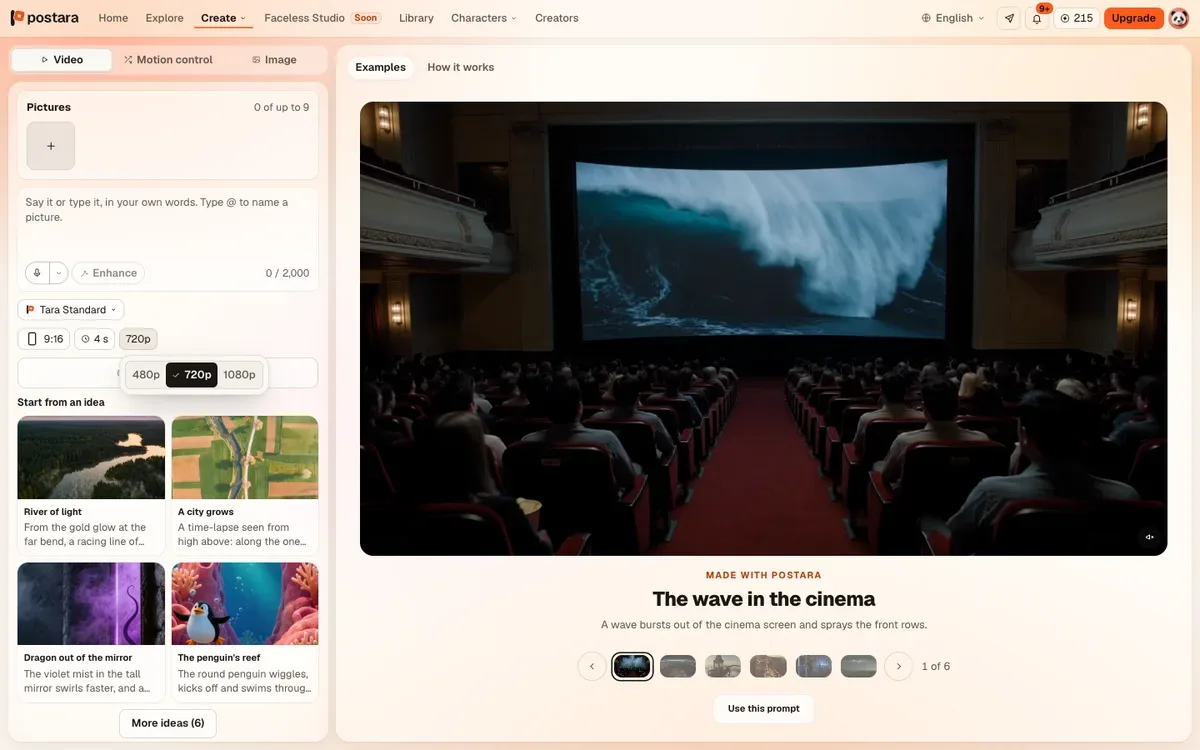
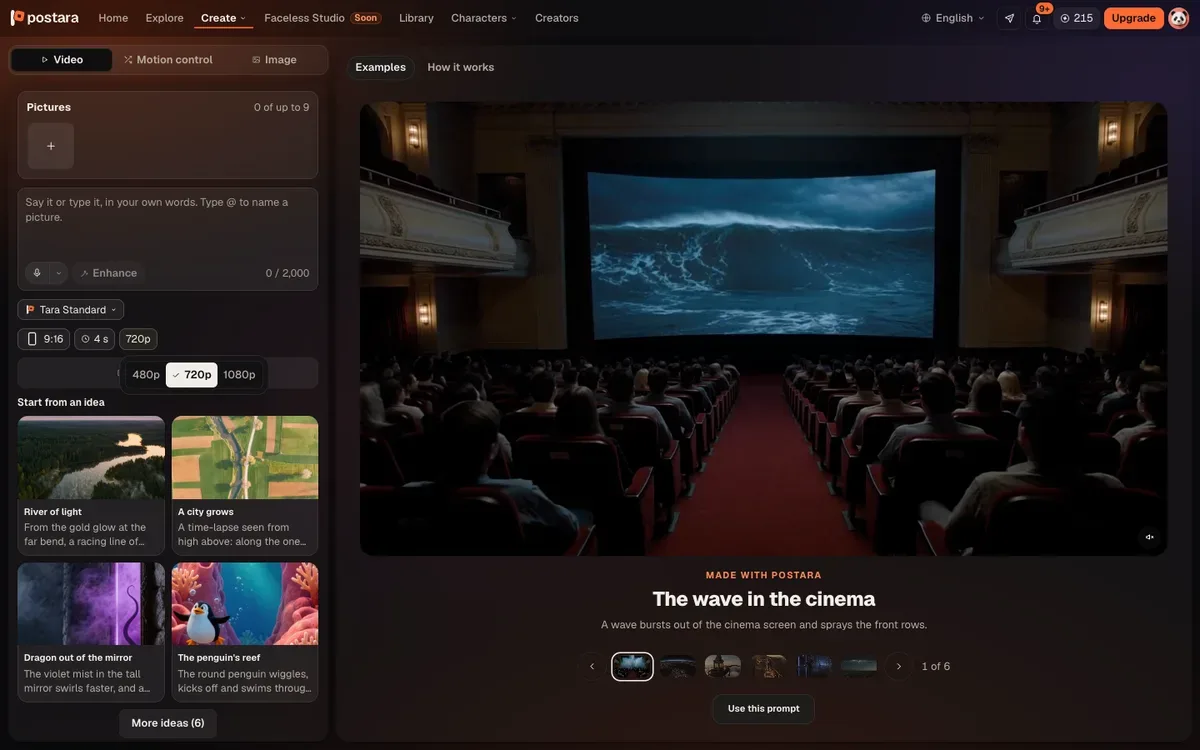
#7. See the price, then Make
The price is on the Make button, and it shows once you have written what happens. Nothing is charged until you tap it.
#On your phone
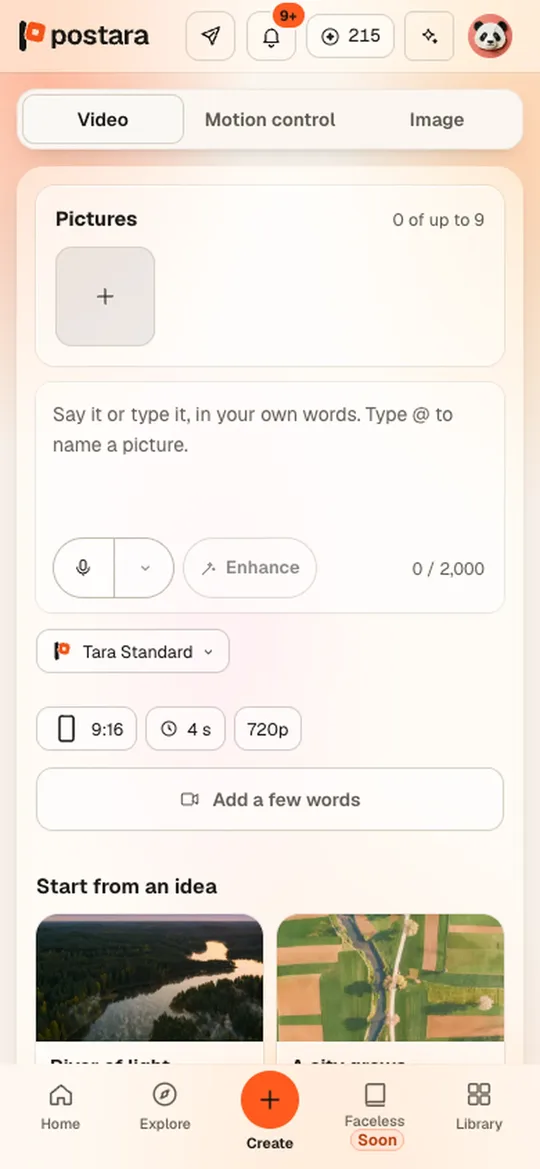
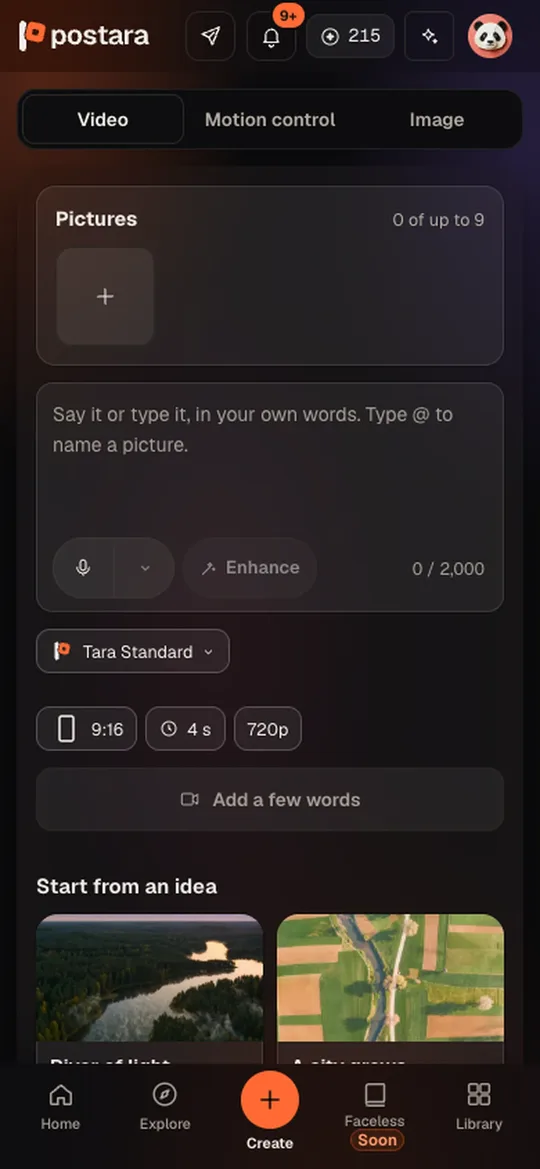
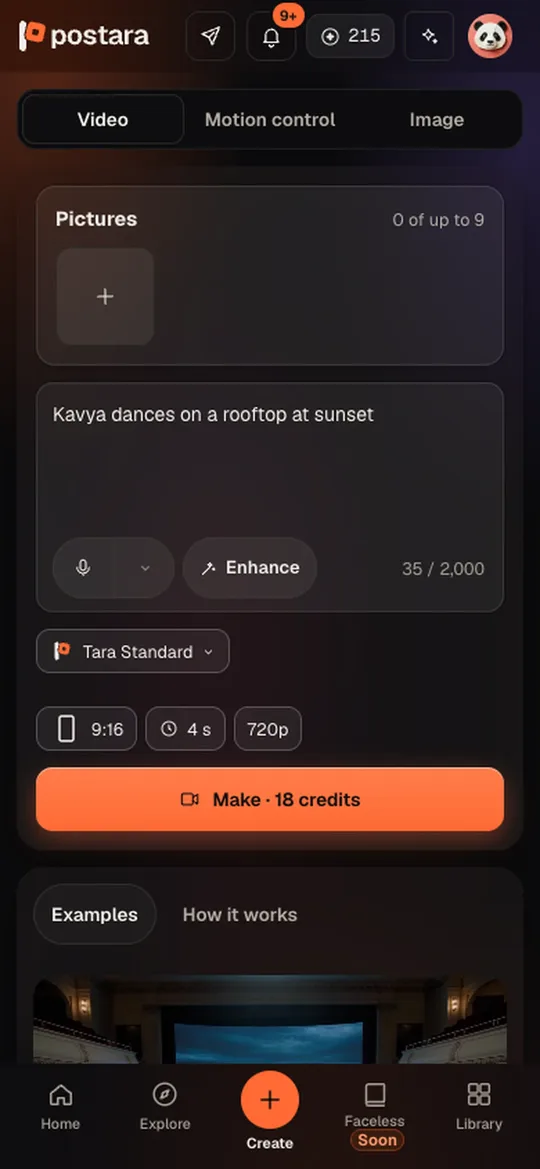
The same steps, one screen at a time.
#Good to know
- A make that fails costs nothing. See Why did this fail?.