Make them move
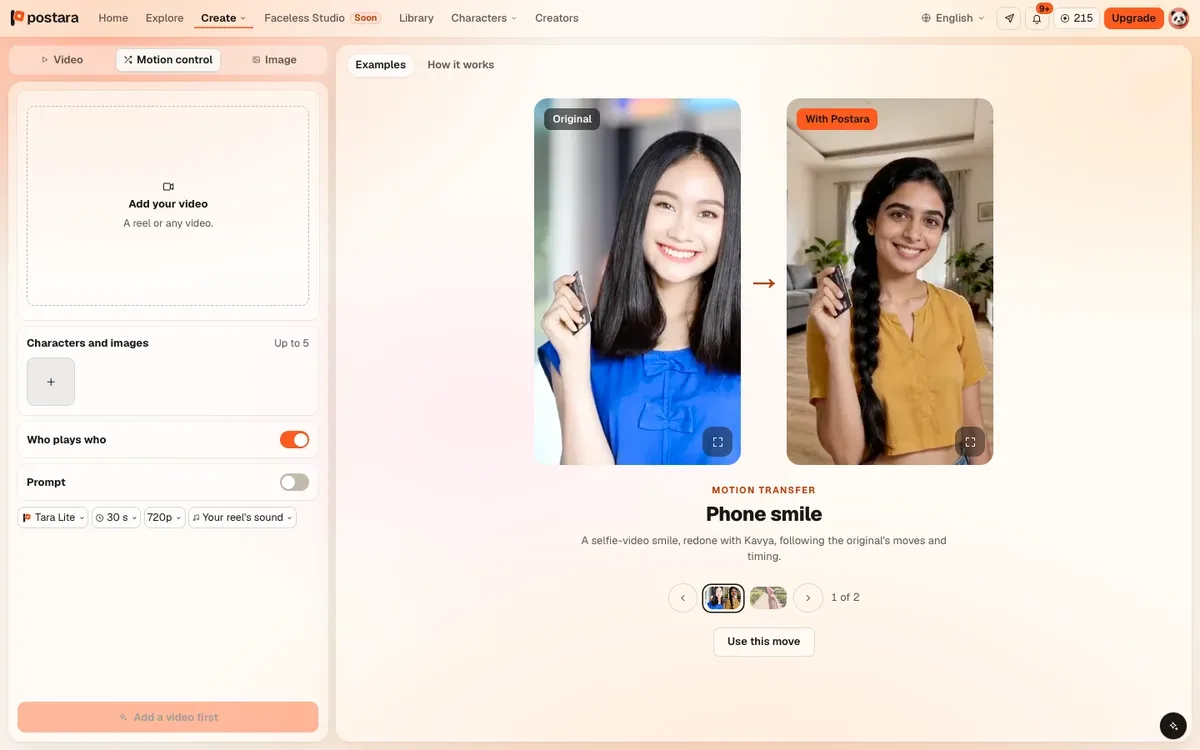
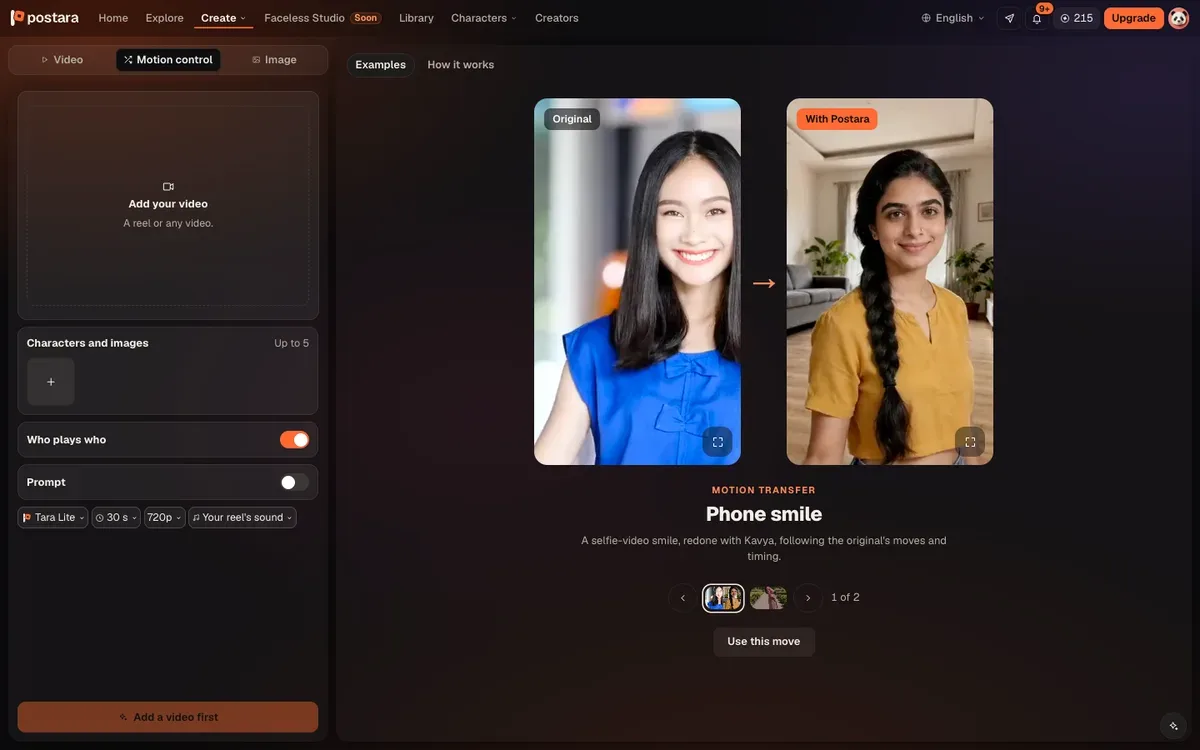
Add a reel and your characters do the same moves.
#1. Open Motion control
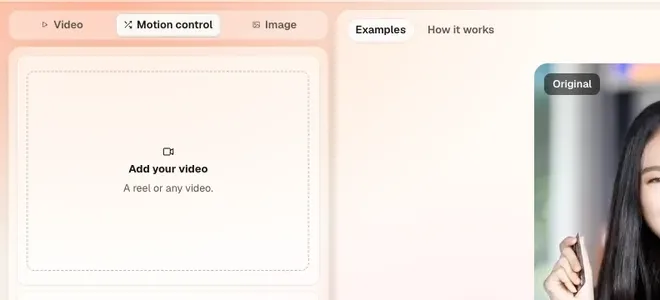
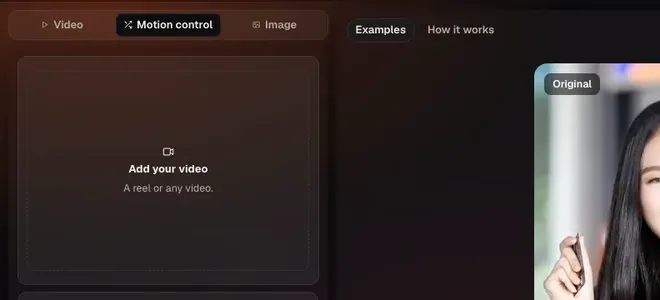
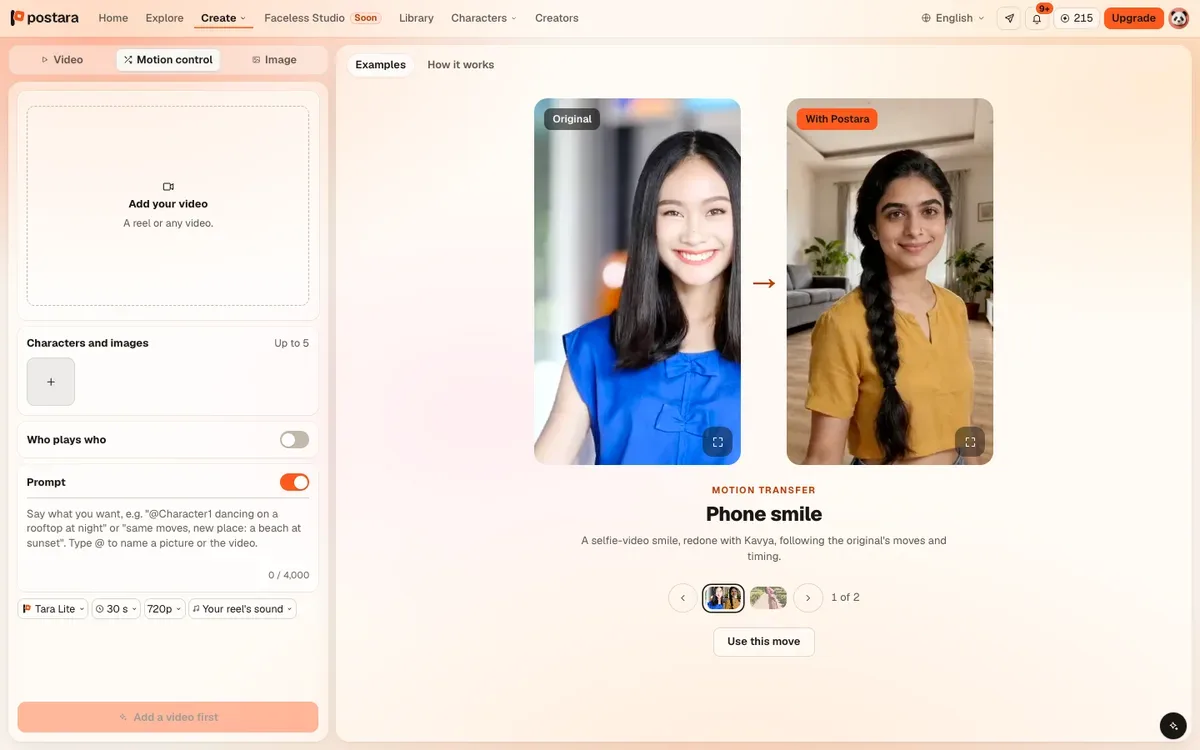
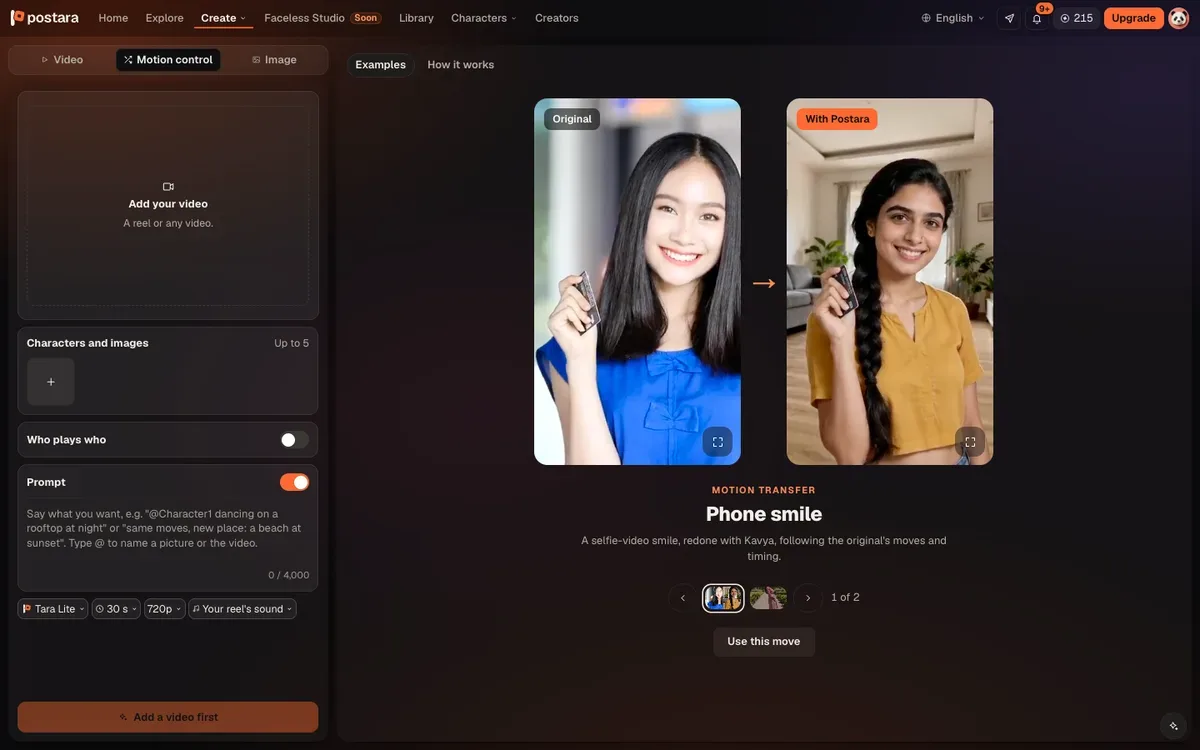
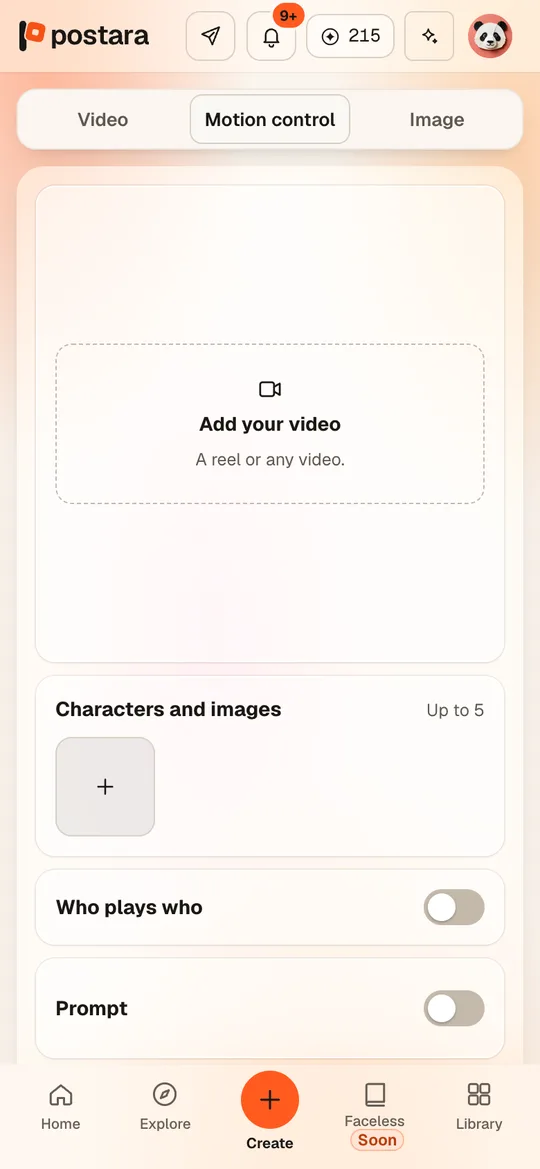
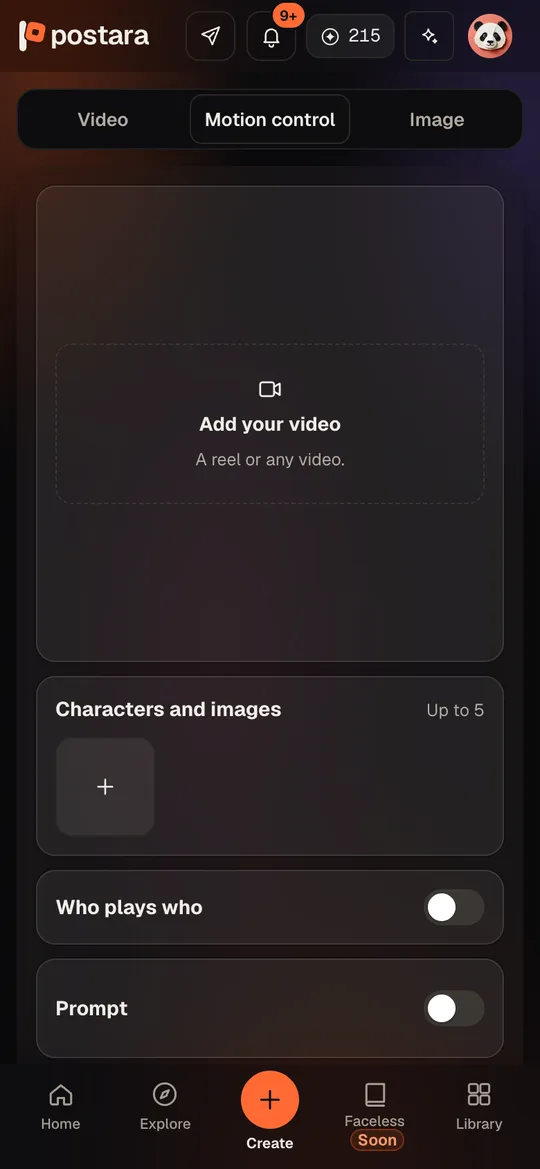
#2. Add your video
Add any video, of any length, up to 1024 MB. We use its first 30 seconds, and copy only the moves.
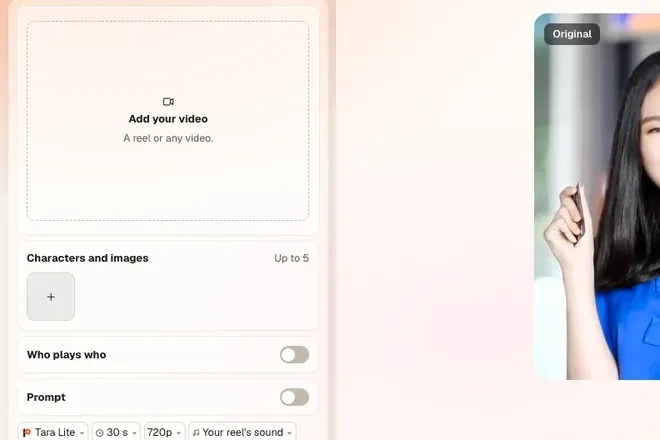
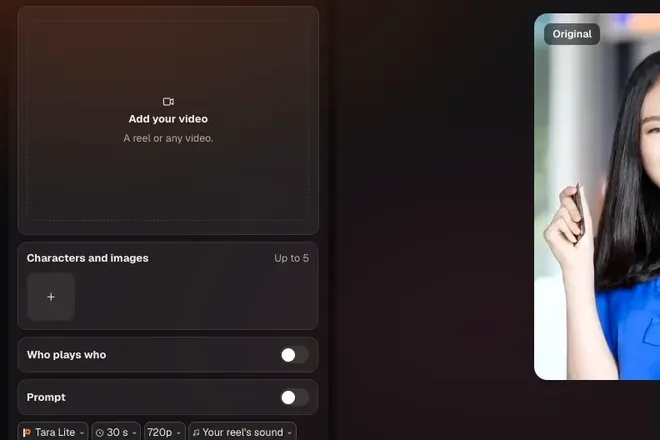
#3. Add your characters
We find the people in your video. Pick at least one of your characters (up to 5). Anyone you don't pick is played by a new AI person. Tara Naacho makes up to 7 people in all. You can also switch on the Prompt and write what you want. A wish we can't make is skipped, and the make goes on. Words that break our rules, or name a real person, are refused before anything is charged. See Preview before you make.
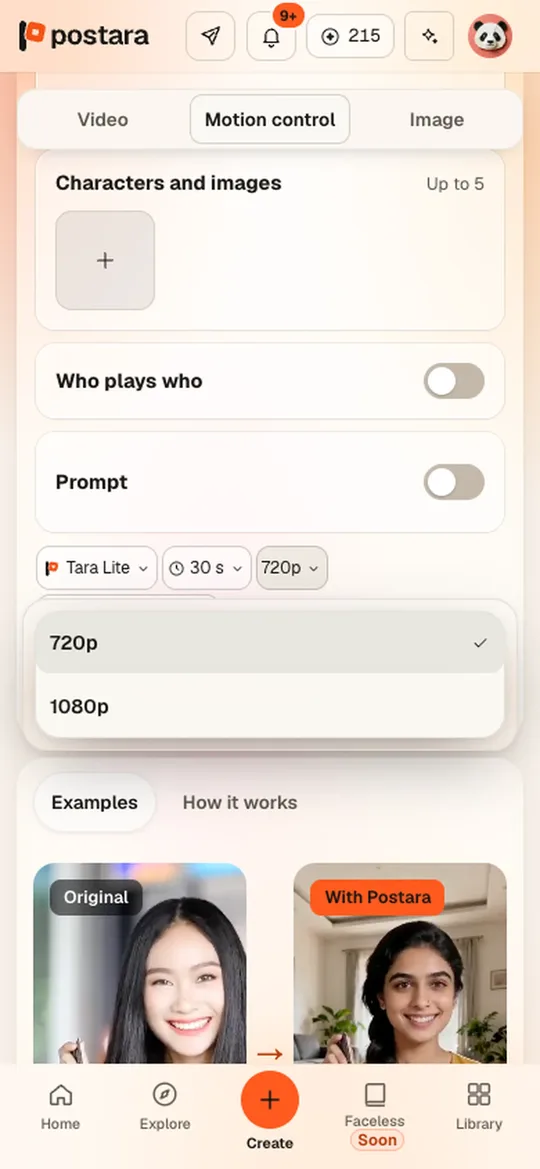
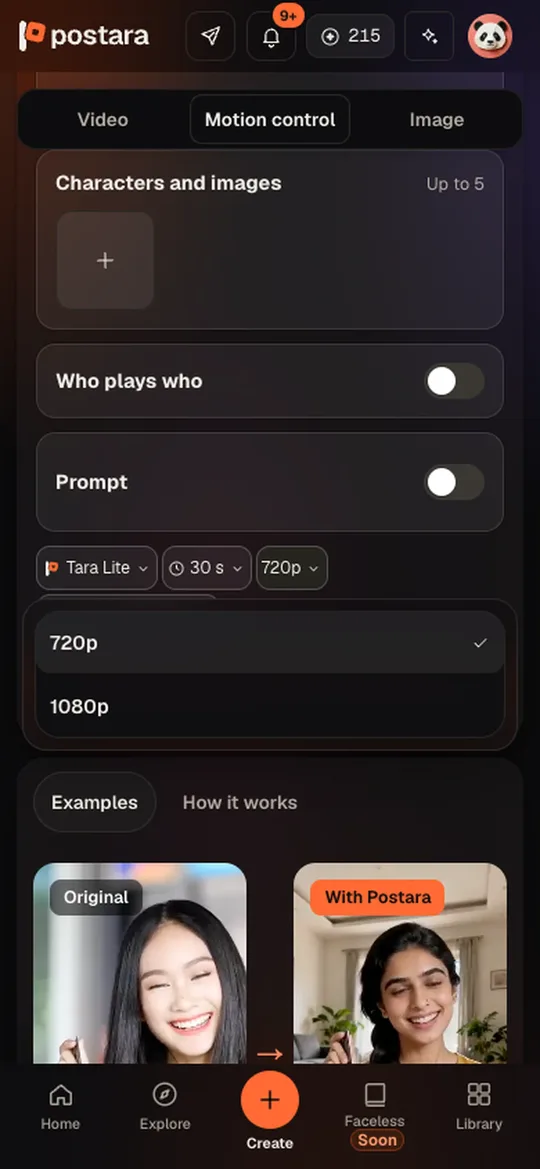
#4. Pick the model, length and quality
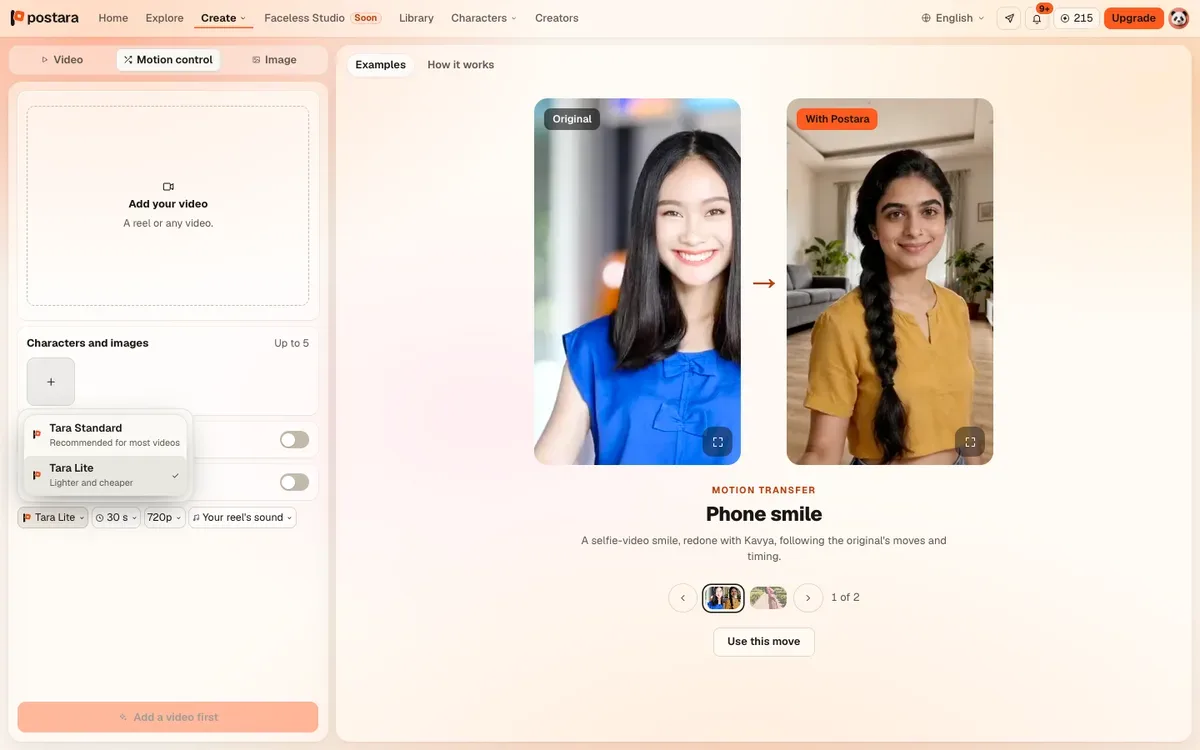
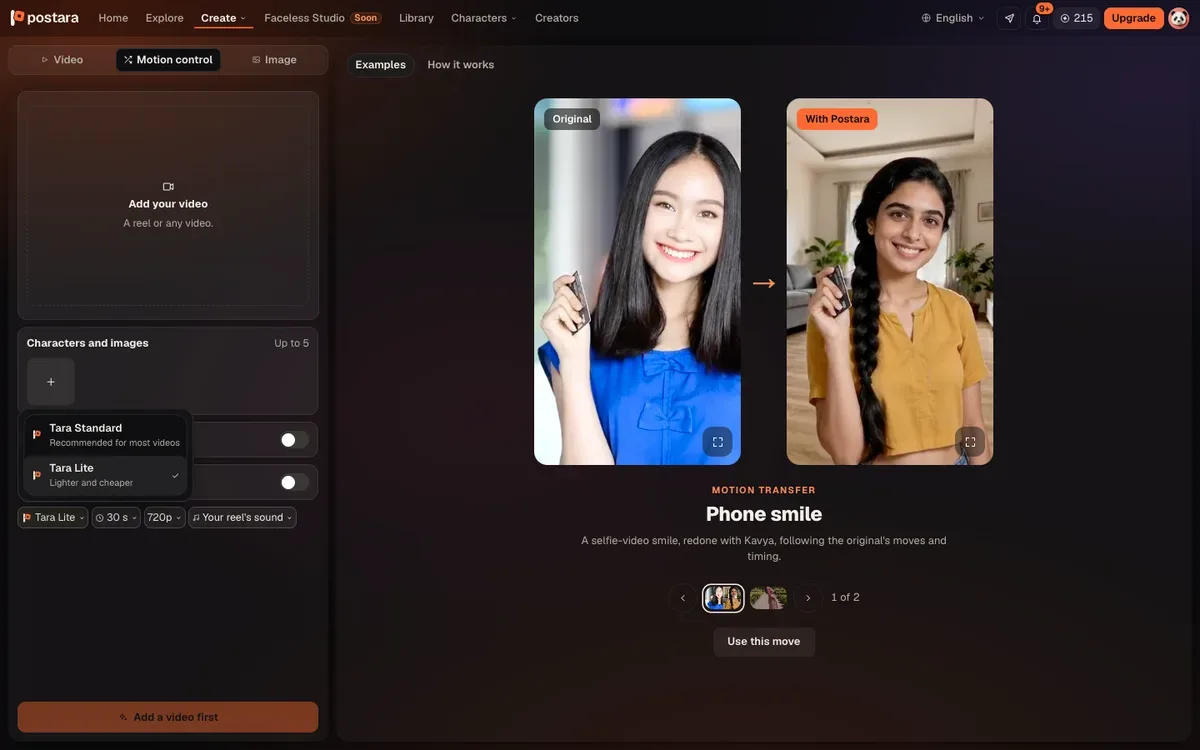
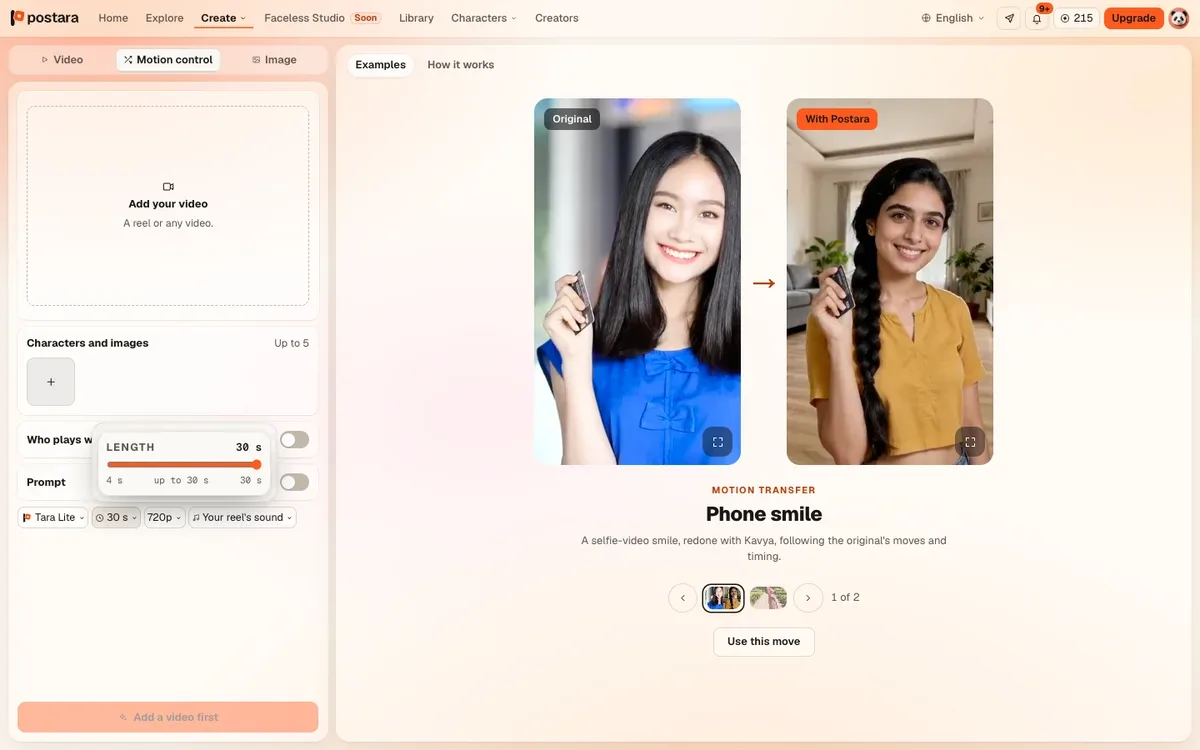
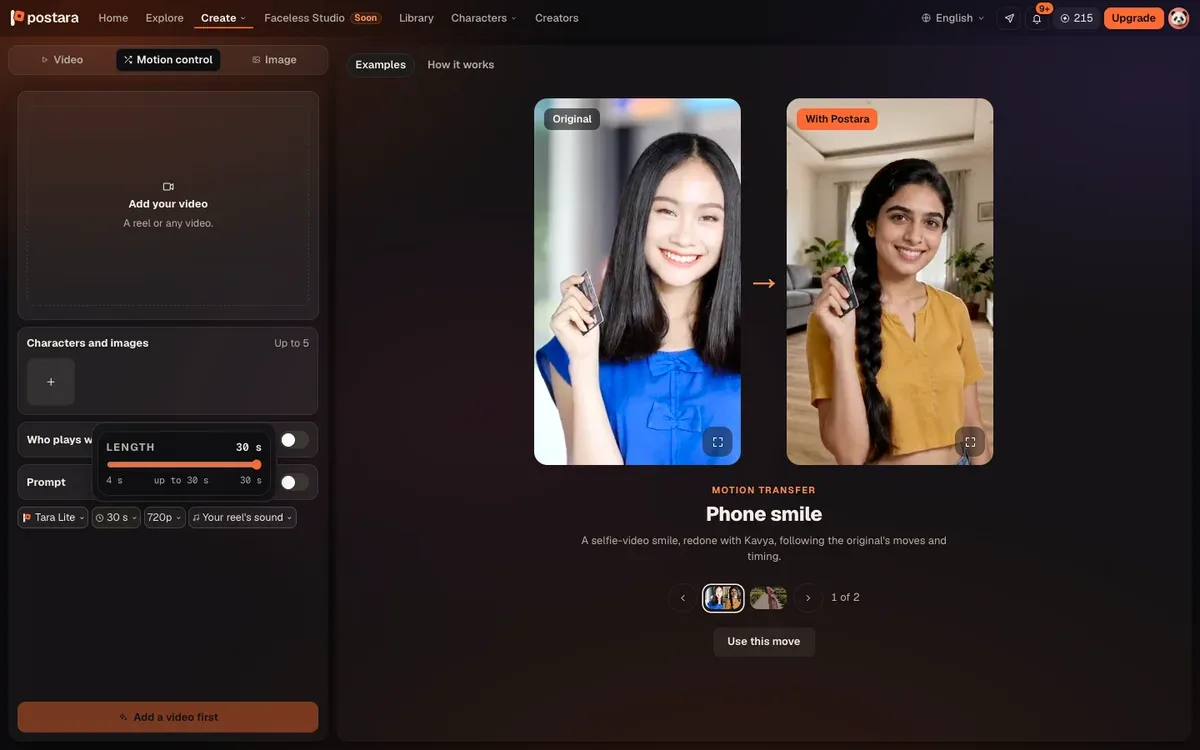
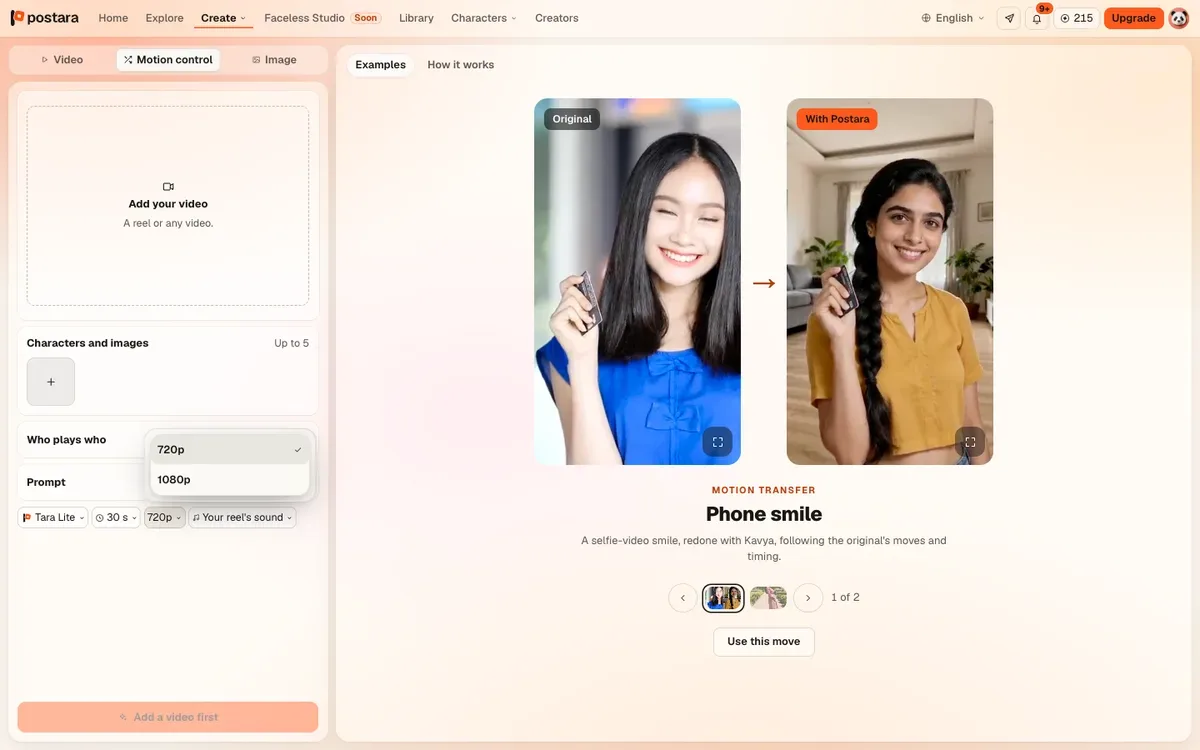
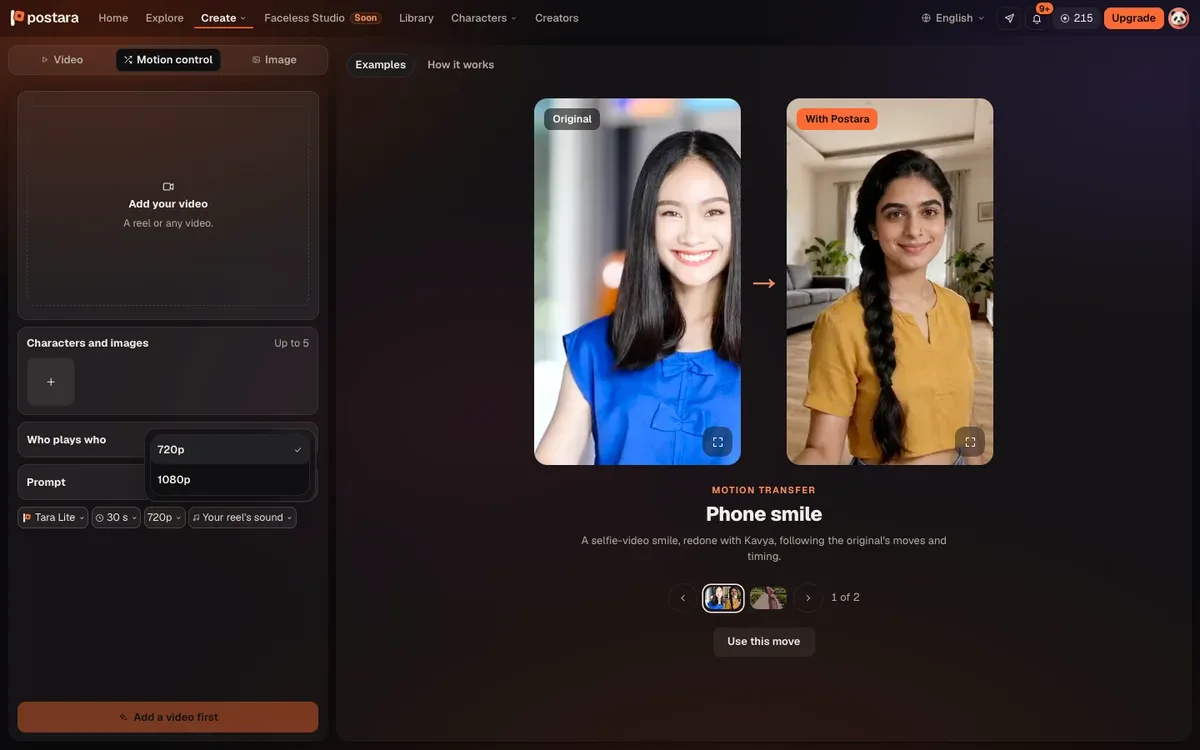
Choose Tara Naacho (costs less) or Tara Standard. Then set the length, from 4 s up to 30 s, and the quality: on Tara Naacho, 720p or 1080p.
#5. Make
See the price on Make and tap it. To choose who plays whom yourself first, switch on Who plays who and tap Preview who plays whom. See Preview before you make.
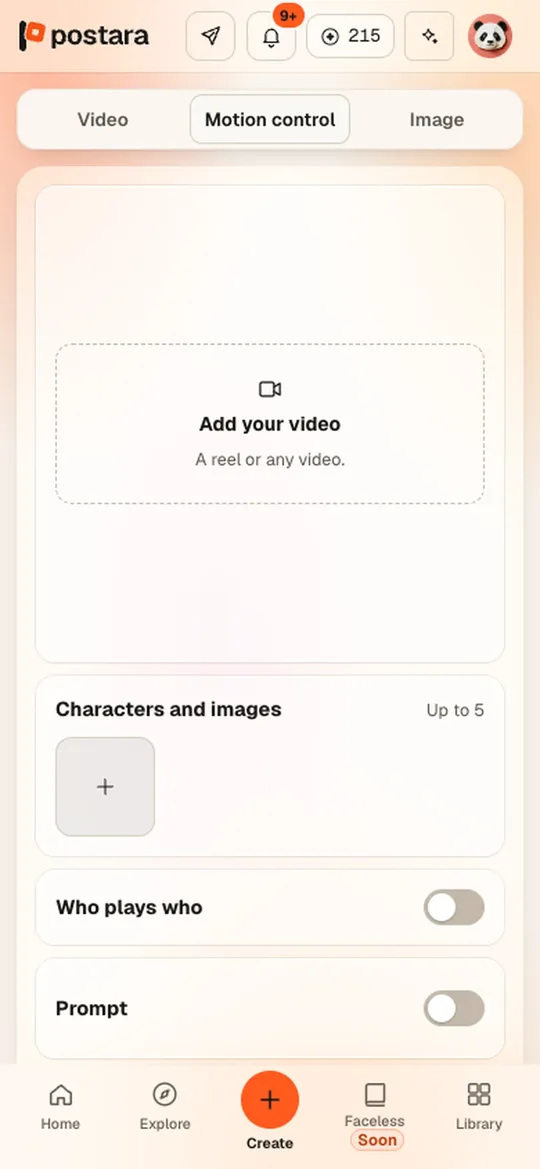
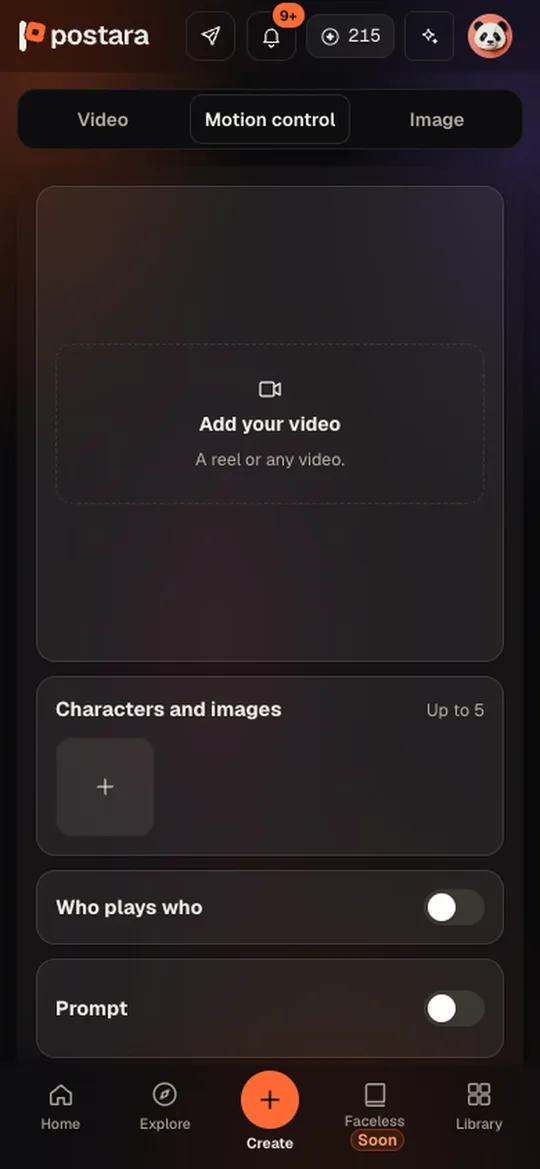
#On your phone
#Good to know
- Only the moves are copied, never the people in the reel.
- A reel with clear people in good light works best.
- For tips on Tara Naacho and Tara Standard, see Get the best results.