Characters
The two kinds of character, and where to start.
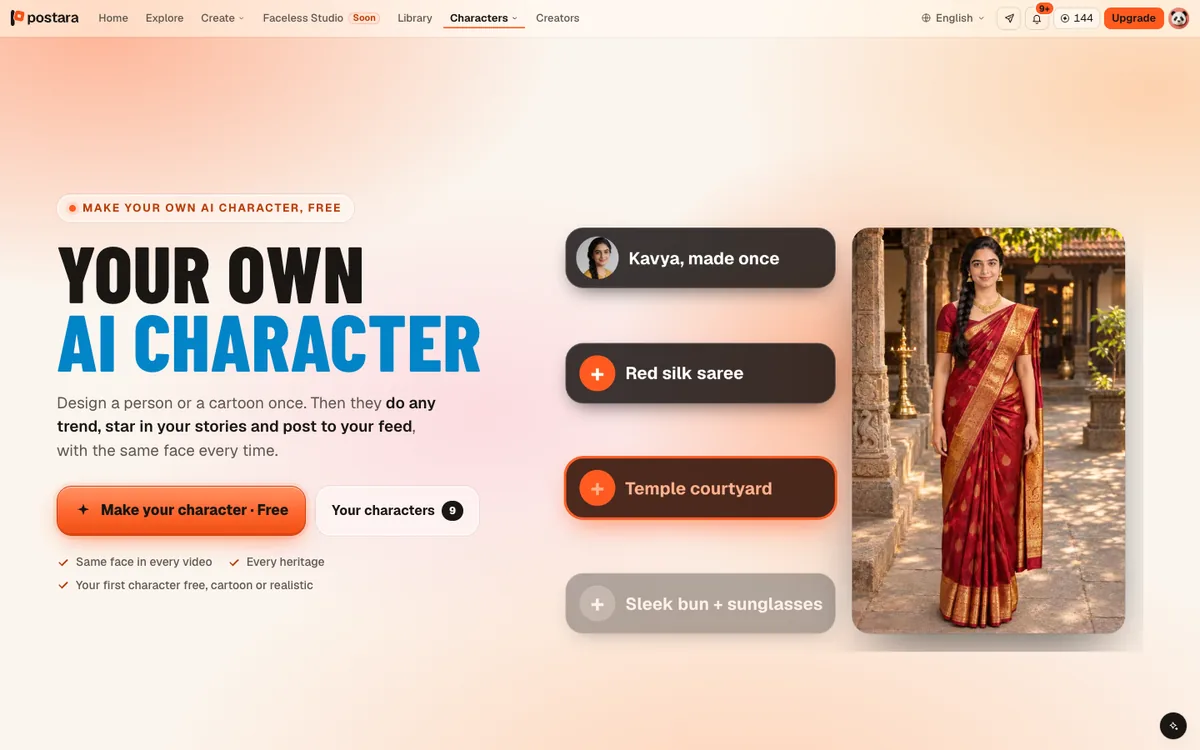
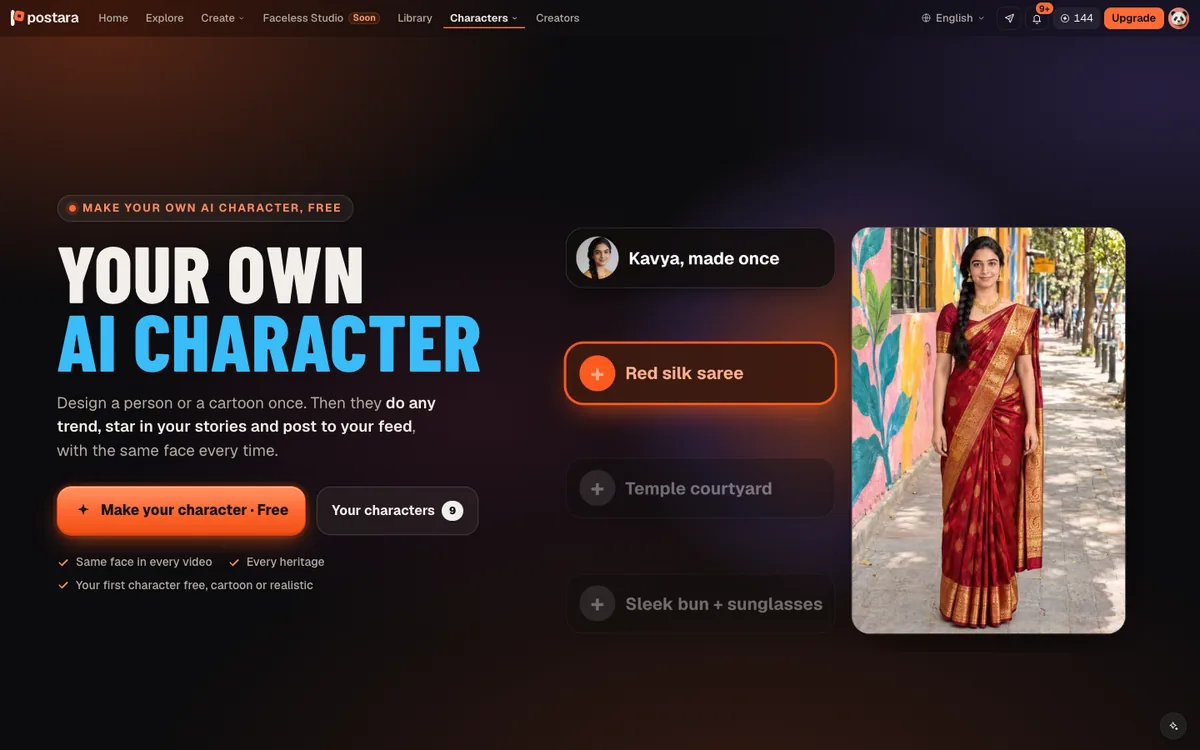
#Realistic and cartoon
A realistic character looks like a real person, animal or creature. A cartoon character is drawn: you design one from the options.
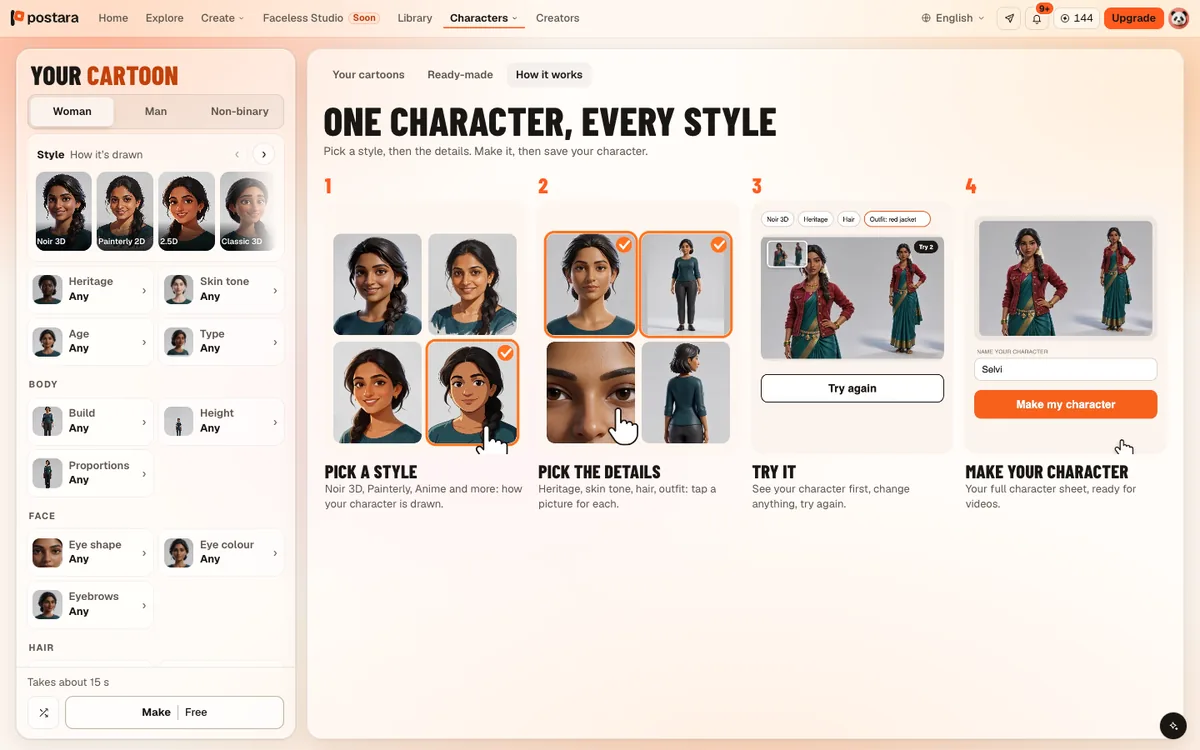
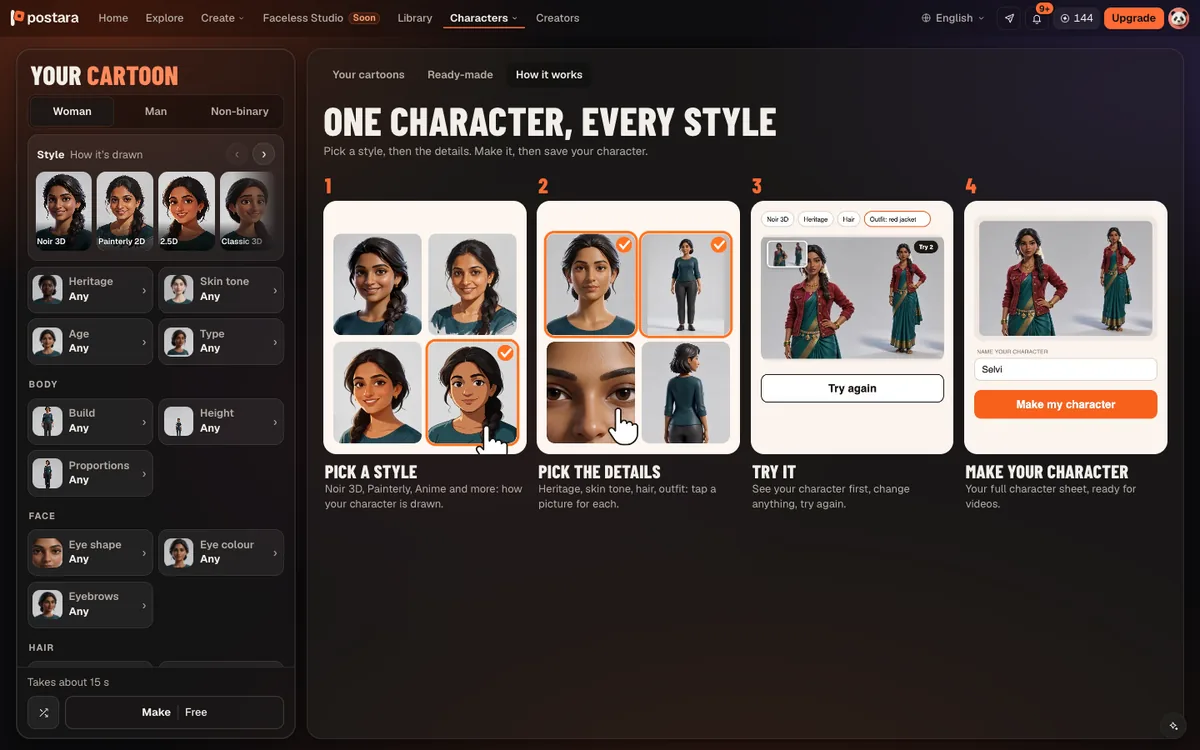
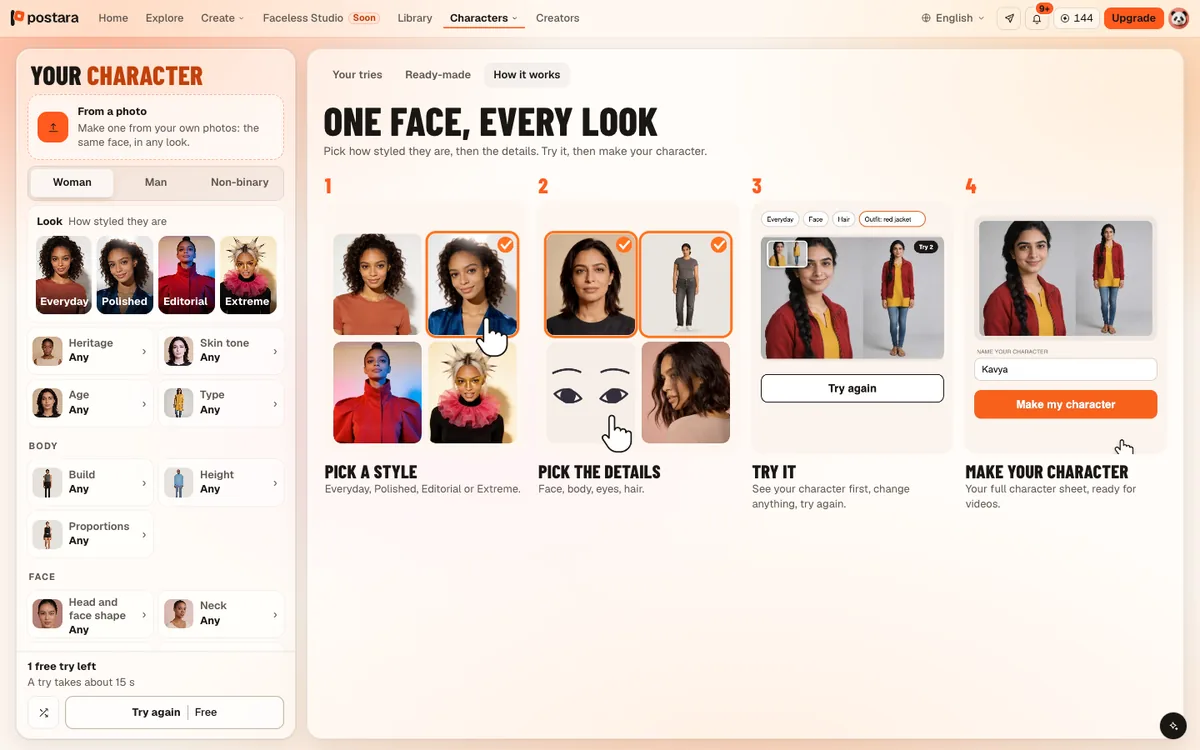
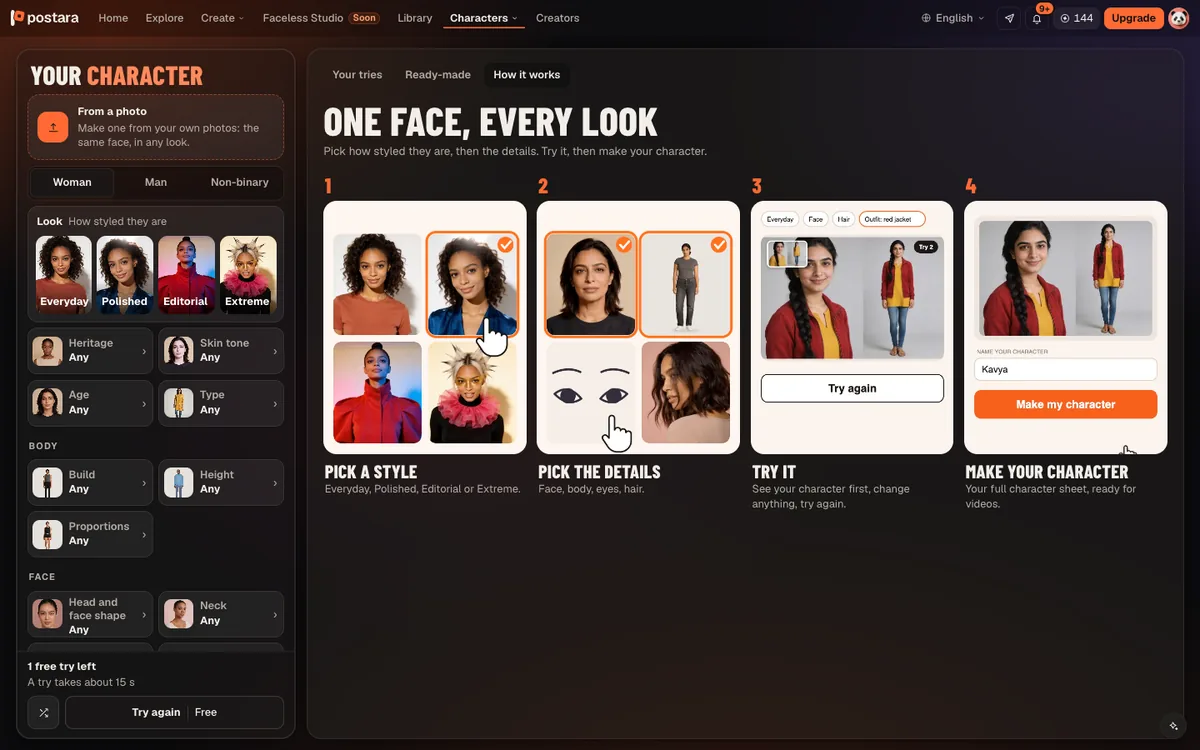
#Making one
- In Characters, choose Realistic or Cartoon.
- For a cartoon, start with the Style (Noir 3D, Painterly, Anime and more), then pick the details. For a realistic character, start with the Look, from Everyday to Extreme.
- Pick what you want from the options, then make it. A character is one picture: the face on the left and the full body on the right. A cartoon costs 10 credits to make. Saving it adds no charge.
- For a realistic character, each try (a preview picture) costs 10 credits after your first free try. When you like a try, saving it as your character adds no charge. You can make up to 3 new characters a day.
- Free characters with some plans: On the Weekly tab, Creator Plus and Creator Pro include 5 free characters a week. On the Monthly and Yearly tabs, Creator Plus includes 5 a month. The other plans don't. A free character is one you start while you still have some: it costs no credits (it is the try or make that 10 credits would buy), and an Edit is charged as usual. Free characters you don't use don't carry over; they end when your next week or month starts. If a day's free characters across Postara run out, a try costs credits as usual and the button shows the price first.
- On the Free plan you can save one character of your own.
- You don't need to do anything else with the picture. Once you make a character, Postara uses it for every video.
#Changing a character
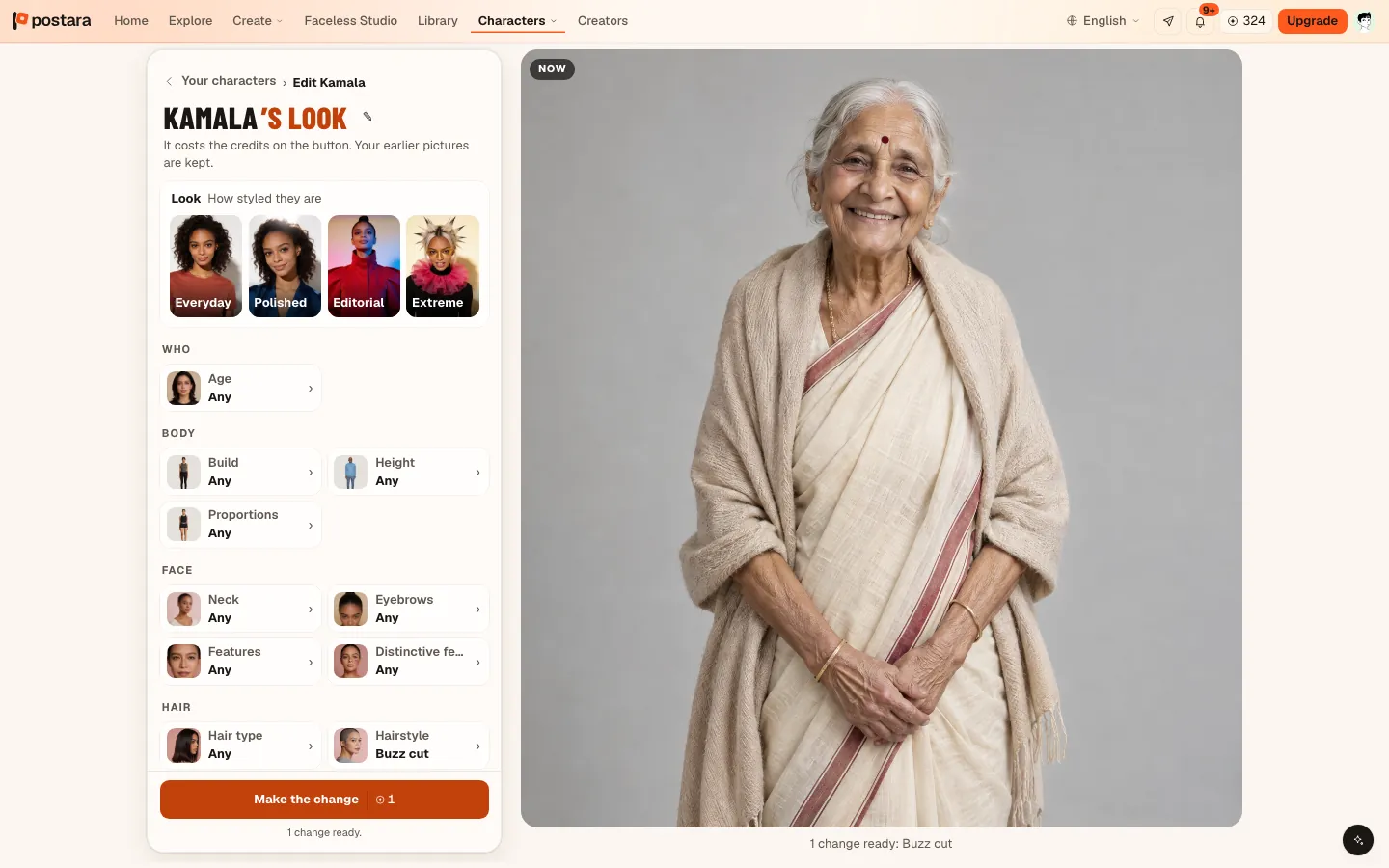
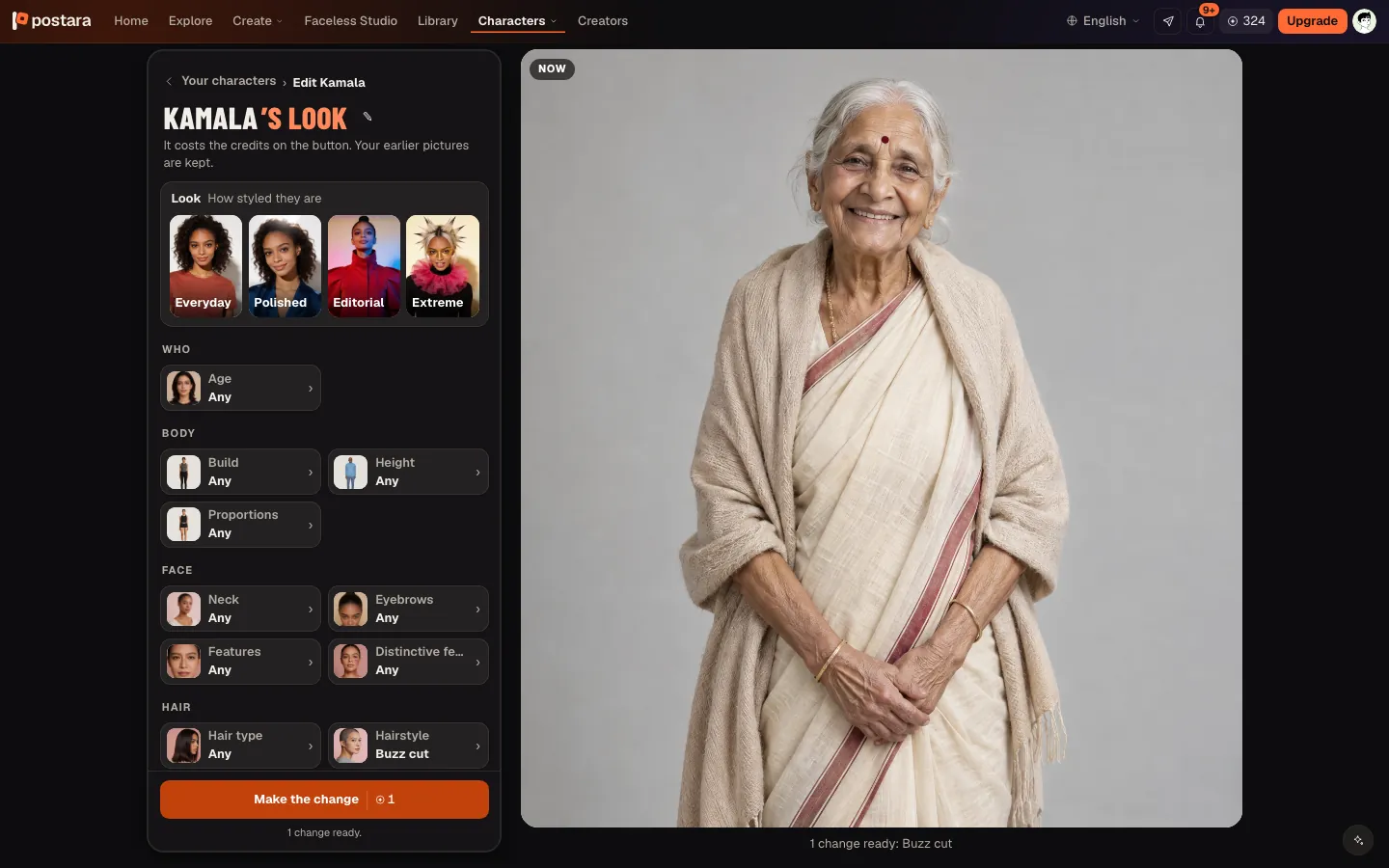
In Your characters, tap Edit on one of your realistic characters. The page shows your character as they are now, with groups of looks on the left, like hairstyle or hair colour. The price is on the button before you tap it: an edit costs 10 credits.
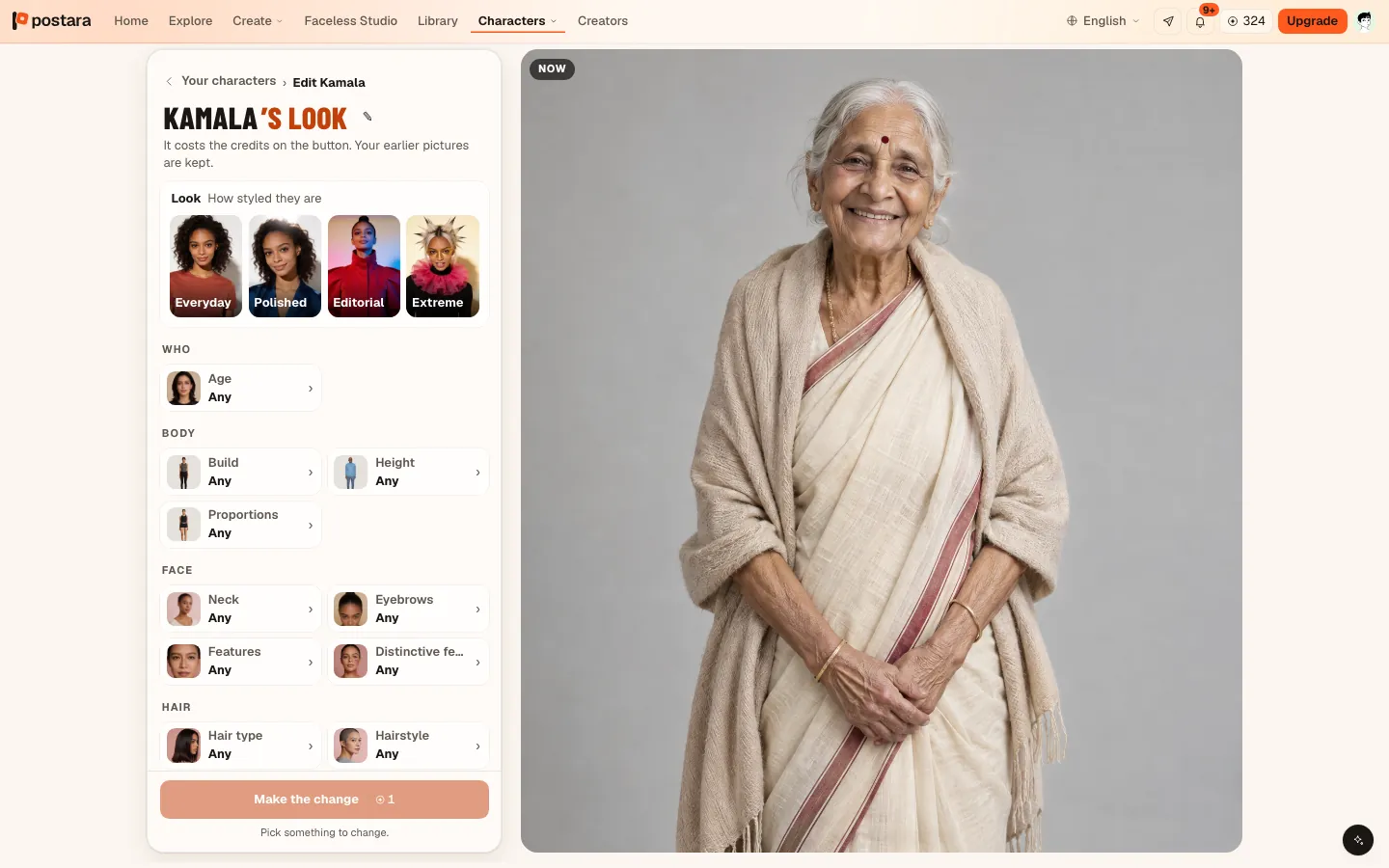
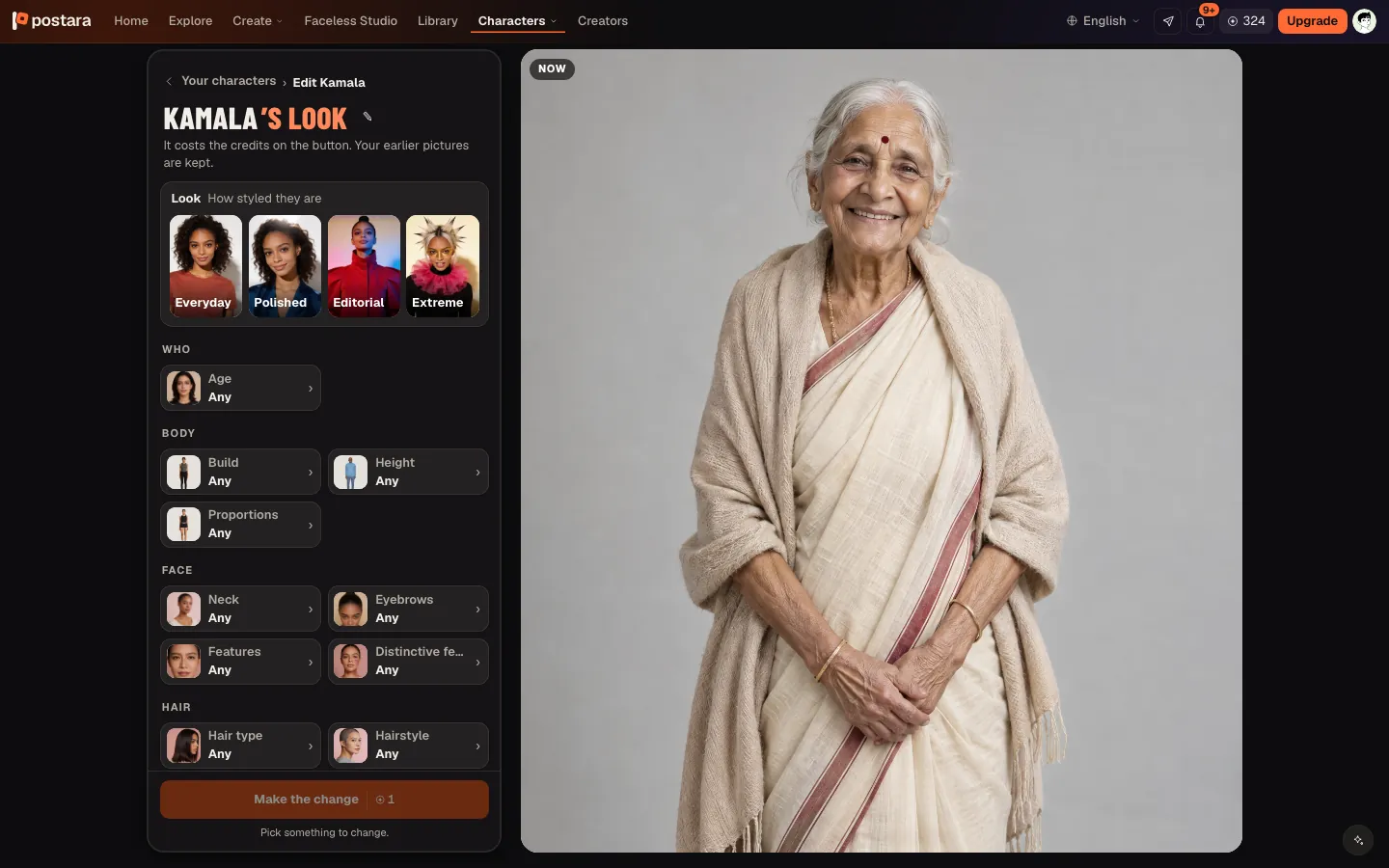
Pick a group and choose a new look from the pictures.
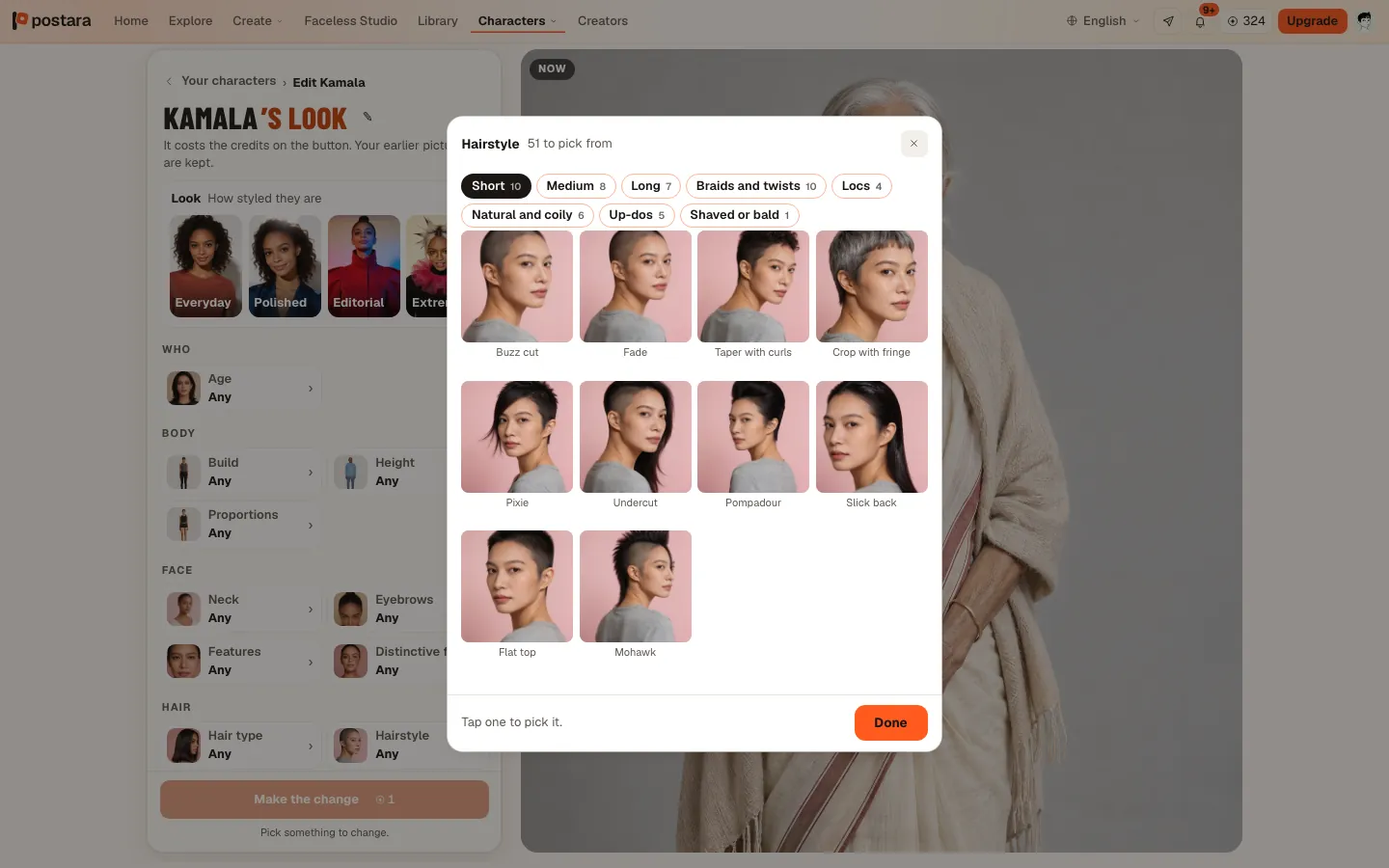
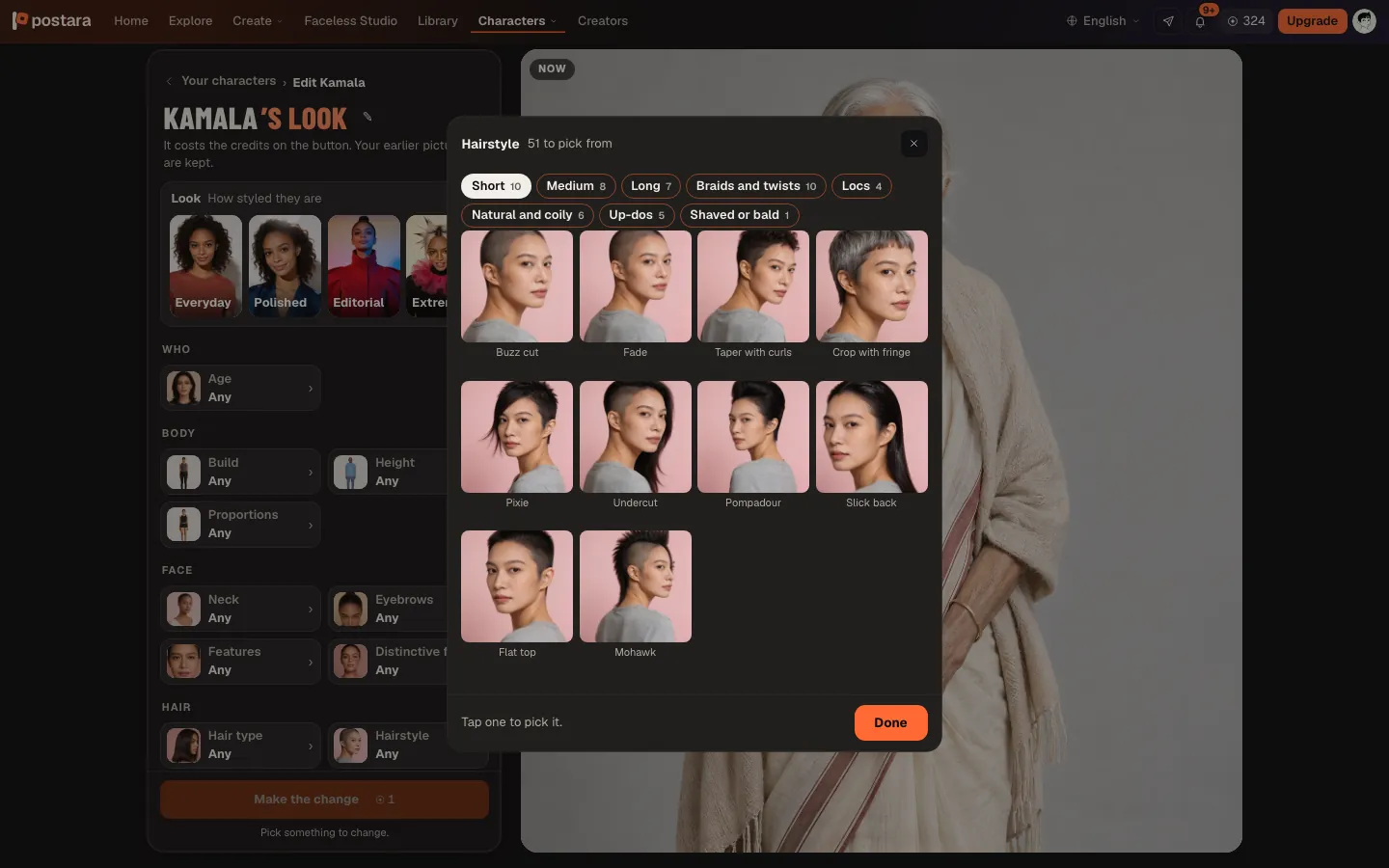
Your pick is marked, and the button turns on when something is ready to change. Tap Make the change. It costs the credits shown on the button, and you see the new look as soon as it's made. Your earlier pictures are kept.
#Your looks
An Edit doesn't throw the old look away. Once you've changed a character, Your looks on the Edit page shows the look in use, the Original, and your Earlier looks. Tap one to use it again. Switching is free, and from then on your new videos use that look; videos you've already made stay as they are. Your original look is kept for good, along with up to 10 earlier ones.
#From your photos
In the realistic builder, Make one from your photos makes a realistic character of you from your own photos; or design a new person from the tiles. Upload only your own face, or an adult who agreed.