Docs / Library, Calendar and posting
Your Library
Everything you've made and uploaded, in one place.
#1. Open the Library
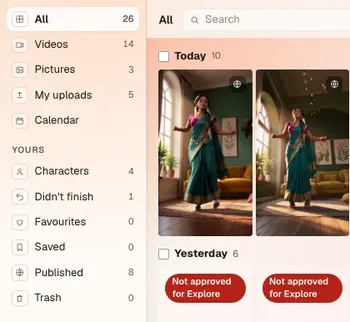
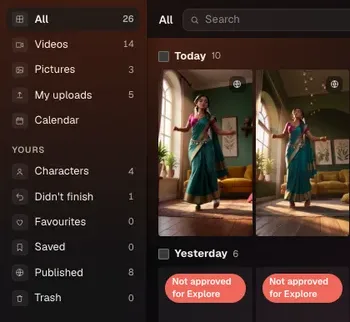
Open Library. All shows everything you've made, newest first. On a computer the places are down the left side; on a phone they are chips along the top. They are All, Videos, Pictures, My uploads and Calendar, then, under Yours, Characters, Didn't finish (only when a make didn't finish), Favourites, Saved, Published and Trash.
#2. Pick a place
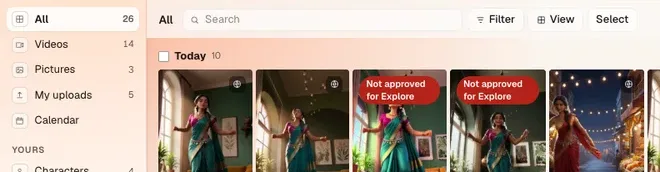
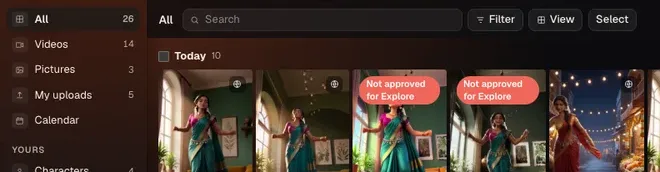
Search by name, prompt or date. My uploads holds the photos and videos you've added; tap Upload to add more.
#3. Filter and change the view
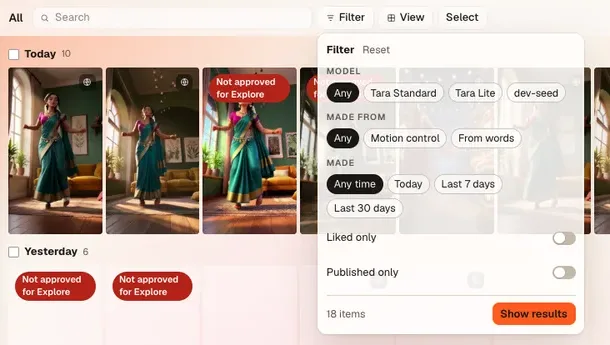
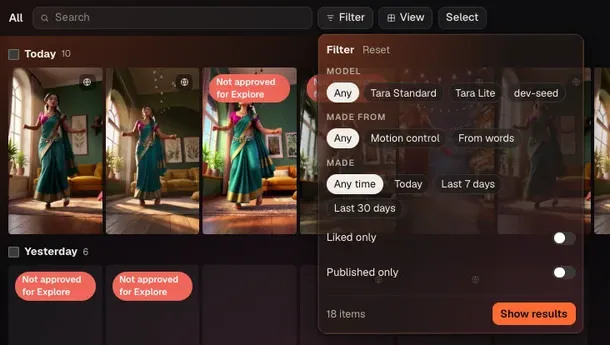
Filter narrows by the model a video was made with, whether it was made with Motion control or From words, when it was made (today, last 7 days, last 30 days), Liked only and Published only. View changes the shape (true shape or square), the size (small, medium, large) and whether days are split.
Tap Select to pick several at once. You can then Download .zip, Publish to Explore or Unpublish, Share, or Move to Trash.
#4. Make something new
The + New video button is at the end of the header row (everywhere but Calendar). On a phone it is the orange + next to Select.


#Good to know
- Trash keeps things for 30 days. Open it to Restore or Delete for good.
- A make that didn't finish appears under Didn't finish with "Credits back" and a Try again button. That place only shows when there is something in it.
- Videos you publish are checked first. The card says "Checking for Explore" until it's done, and "Not approved for Explore" if it can't go up.
- Everything in My uploads, pictures too, is deleted after 90 days, except a picture a cartoon character was made from and an upload your published template uses. Videos already made from an upload stay.