Docs / Your account and privacy
Your profile, theme and language
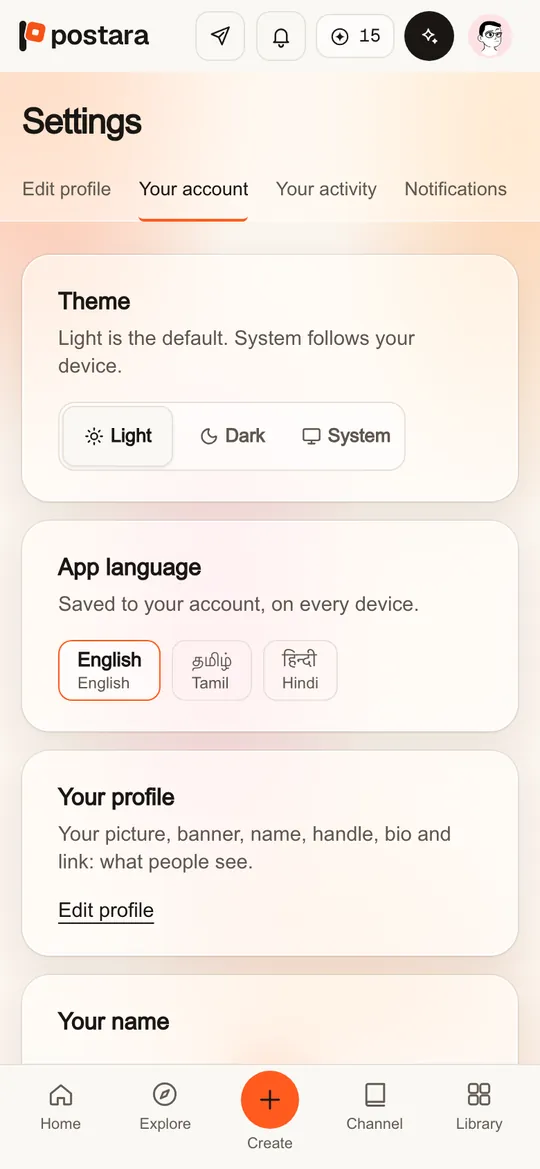
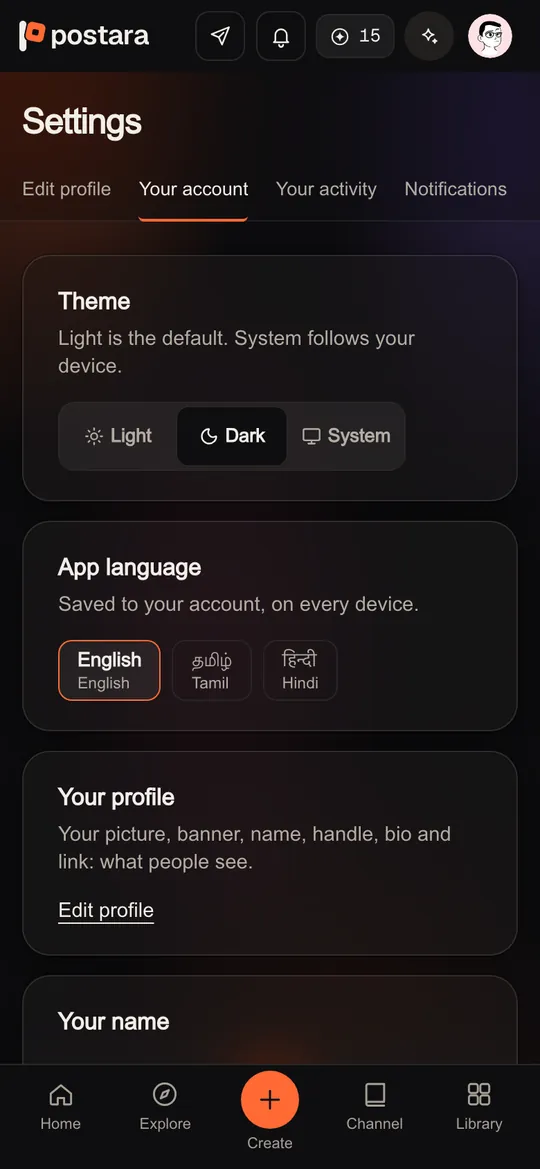
Your picture and banner, light or dark, and your language.
#Picture and banner
On your profile, tap Add a banner or the camera on your picture. Upload a picture, move and zoom it into place, and save. Your picture shows in the top bar and beside your posts.
#Theme and language
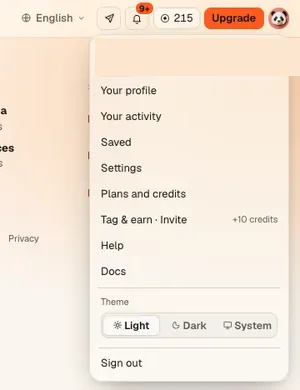
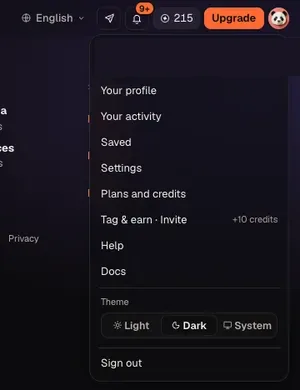
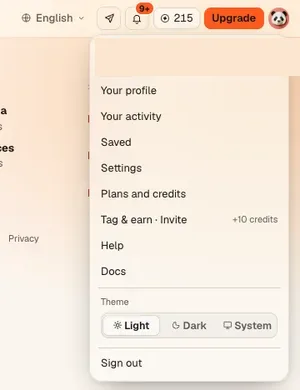
#1. Open the profile menu
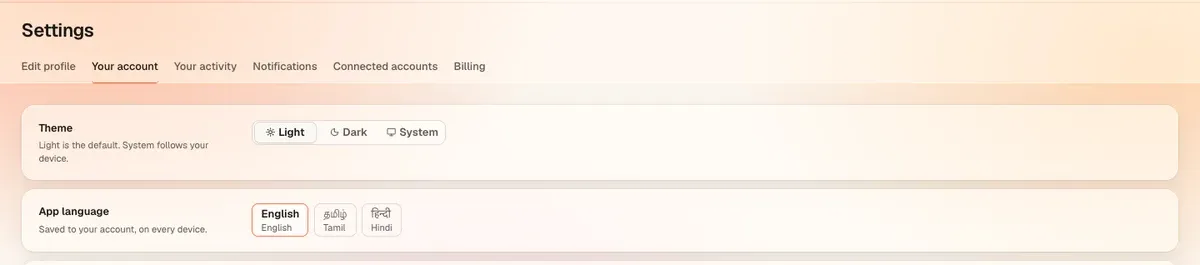
#2. Settings
#3. Light, Dark or System
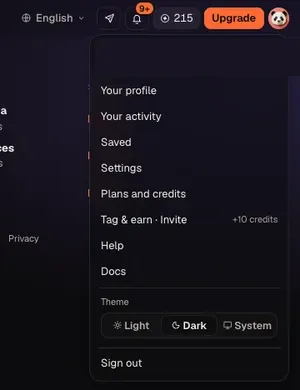
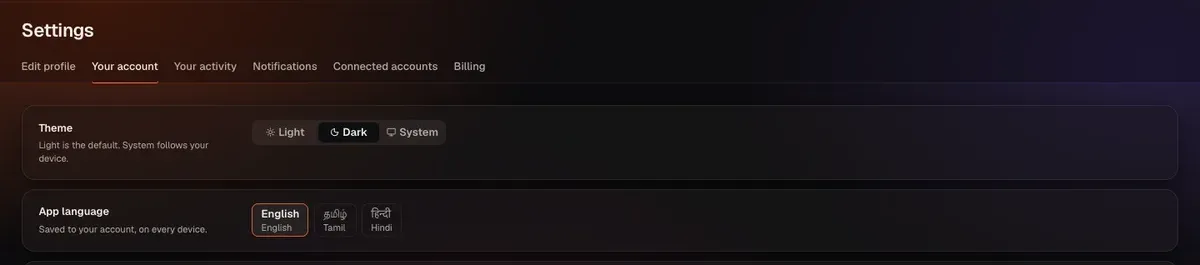
Choose Light, Dark or System in the account menu or in Settings. Light is the default. Your language is in Settings too.